
Three measurements answer three different questions.
- Live preview
How well does this composition run while you operate it?
- Render job
How long does the device need to prepare and encode the timeline?
- Finished file
What pictures and sound can a decoder actually recover?
A live preview must keep up with the moment. A preplanned file render can spend more processing time on a timeline than that timeline takes to play. A decoder then provides a different kind of evidence: the pictures and sound actually present in the result. Calling all three “FPS” hides the distinction that matters.
Browser animation callbacks generally follow display refresh and are commonly paused in hidden tabs, as described in requestAnimationFrame documentation. That browser scheduling behavior is not an encoded-video completion guarantee. PHASE//VOID keeps File render and performed real-time recording as different paths.
Choose the path from the source, not the file extension.
| Your material | Appropriate path | What to review |
|---|---|---|
| A local MP3/WAV and planned composition or acts | File render. | Decoded soundtrack, passage, framing, timeline, media and encoder preflight. |
| A live input, performed MIDI or manual live gestures | Real-time recording. | The actual input/output chain and the recorded take. |
| A finished or saved video | Recording inspection. | The actual file’s picture, sound, duration and representative timeline points. |
The current file journey is Sound → Picture → Review & render. A track must be decoded and its passage valid before continuing. Review film timeline checks composition and framing before the deliberate render. A live microphone stream is not silently converted into a preplanned file soundtrack.
Follow the complete music-video guide for the controls. MP4 availability depends on the browser’s supported configuration; WebM is not converted by changing its extension. The WebCodecs working draft does not require implementations to supply a particular codec. An encoder request and a successful playable output remain separate facts.
A twelve-second film can take longer than twelve seconds to create.
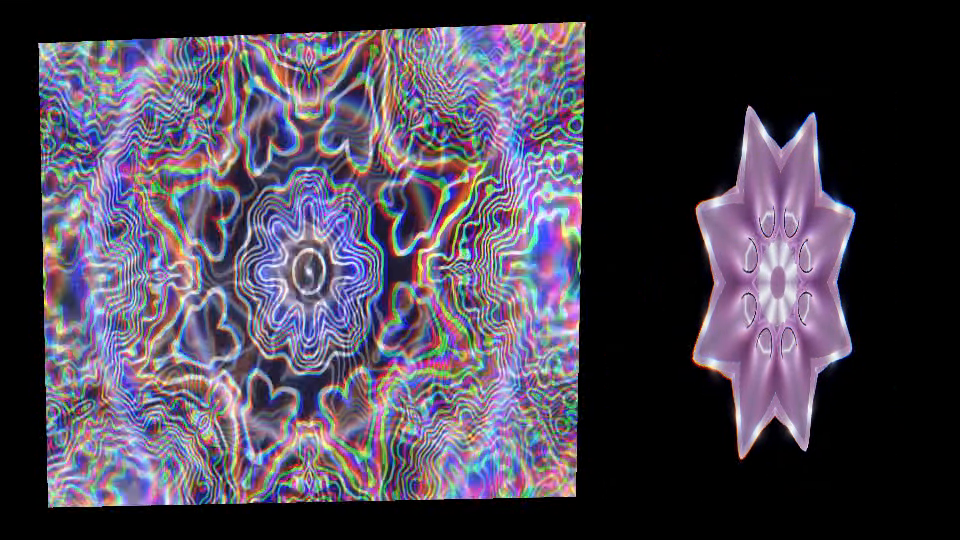
The published four-act WAV/WebM example contains two clip layers, mapped surfaces and Program/surface effects. Its 12-second timeline produced 360 distinct decoded pictures at 30 FPS. Under deliberate 6× CPU throttling in that bounded desktop run, processing took about 26 seconds. Longer processing did not mean the finished film played at a slower frame rate.
Those figures describe one original test input and composition. They do not certify your GPU, codec, longer project or physical speaker/display synchronization. The report also separates software content checks from native download completion. Reusing the existing evidence here does not constitute a new render benchmark.
You can open the complete example setup, review it and choose Load four-act example explicitly. Opening the link does not load the WAV, start playback or render. Its session/media are the known public fixture; choose your own soundtrack separately when you are ready.
Inspect the result you will actually publish.
- Check the intended opening and ending, representative changes, frame shape and any required titles or mapped regions.
- Listen to the saved soundtrack deliberately when appropriate, and compare the actual timing through the file. Silent editing and monitor settings are separate.
- Reopen the intended saved result in the target player before relying on a filename or a completed-download notice.
For a completed File render, Check rendered video inspects that film. You do not need a second real-time take just to check a rendered file. For live capture, inspect the actual performed recording. A duration label, packet count, first frame or smooth preview is not enough to establish complete motion and sound.
If something fails, use the film symptom path to distinguish an invalid soundtrack, missing media, unavailable encoder and an interrupted job. Keep completed results you need; the guide never cancels, discards or retries a job for you.
Keep software evidence and room evidence separate.
File render uses a soundtrack/file timeline and ignores the device-local room reaction delay. A performed recording can include the current live visual correction. Neither fact by itself tells you when a loudspeaker or projector reaches a person in a room. That is the distinction explained in audio-reactive versus beat-synced visuals.
If your composition uses several sources inside a projector raster, continue with many surfaces, one picture. The output-format guide owns frame sizing, and finished-file inspection owns the operational review steps.
TRY THE IDEA
Review the complete film workflow.
Opening this task starts no audio, selects no file and grants no input permissions. Review the controls before changing the show.
Review the complete film workflow