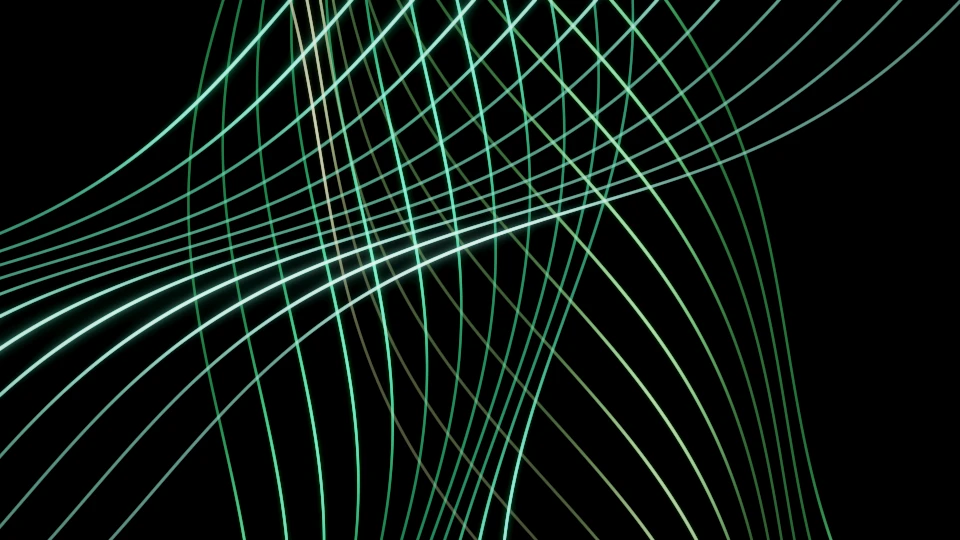
Warehouse pressure
Four acts move from glass and wire to laser crossfire, then back into an orbit.
Build this show ↗Download session JSON ↓AUDIO-REACTIVE VISUALS FOR EVERYONE
Turn sound into living visuals. A free browser studio for music videos, live sets and creative exploration.
No account. Just your audio and your imagination.
START WITH A SHOW
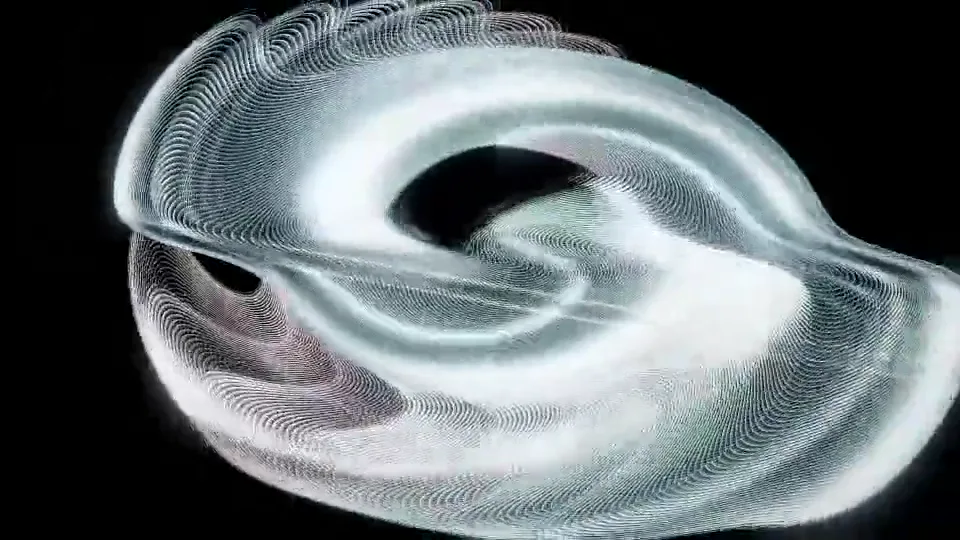
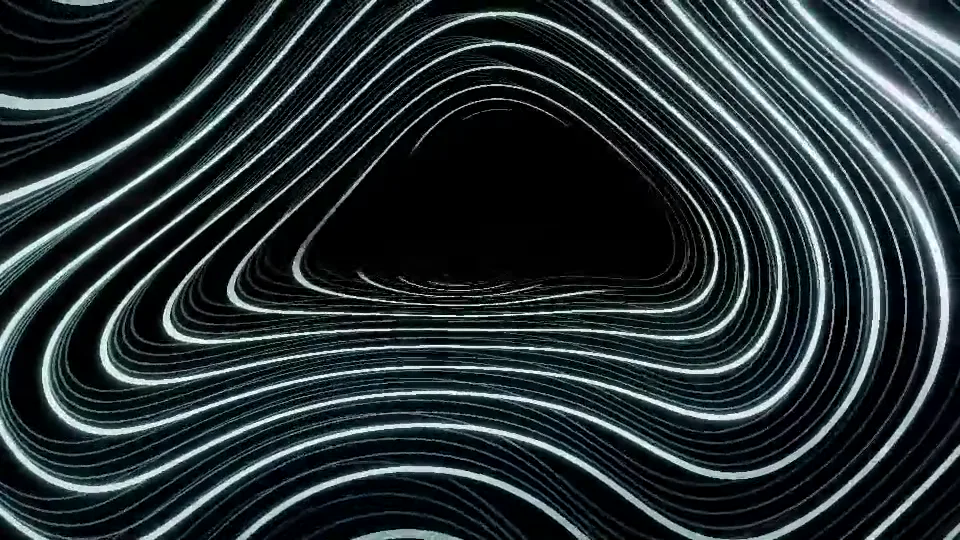
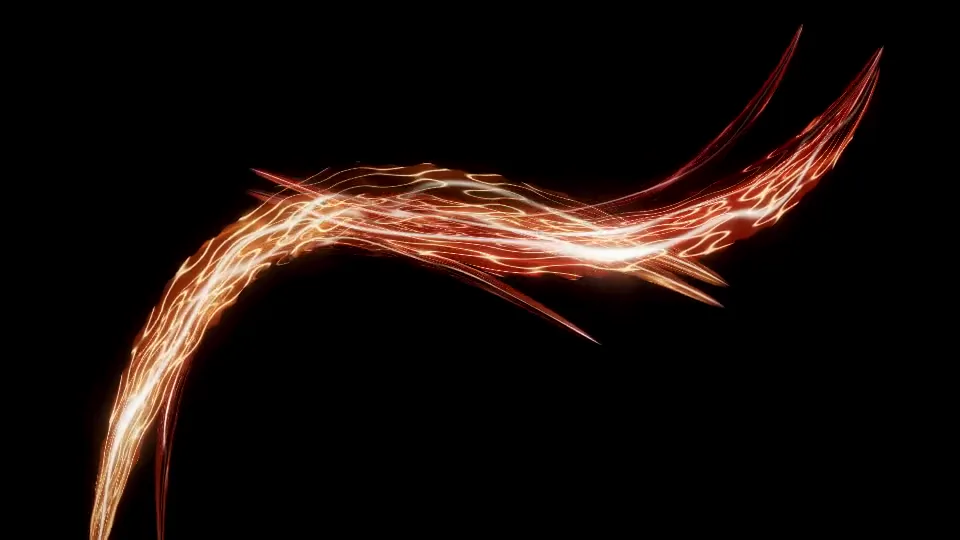
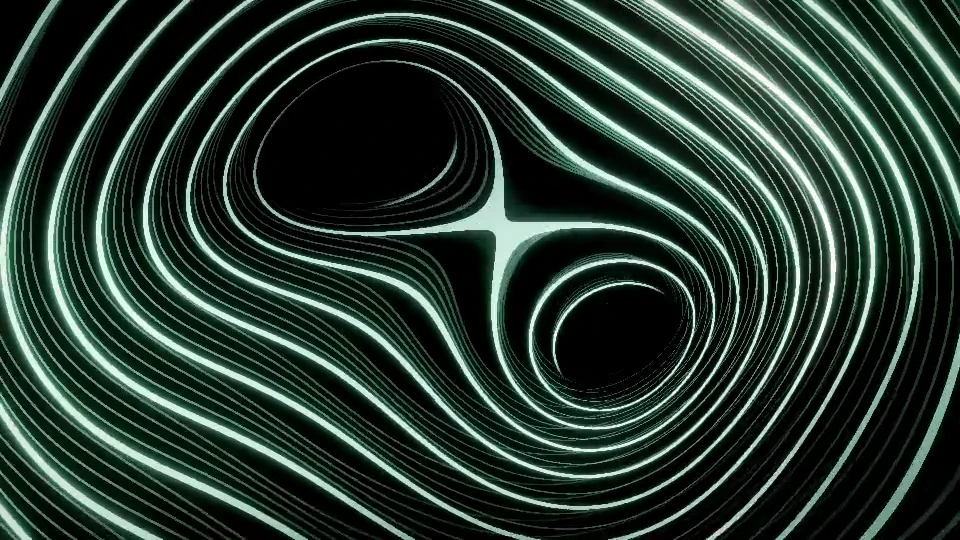
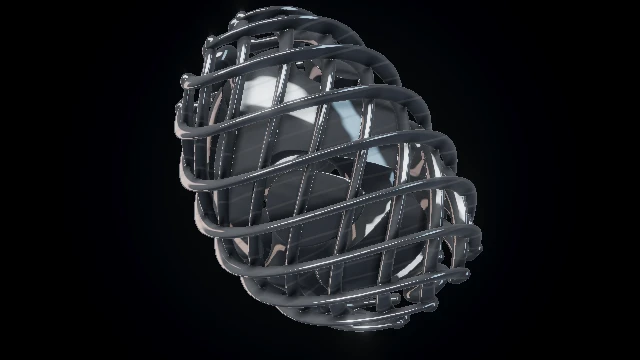
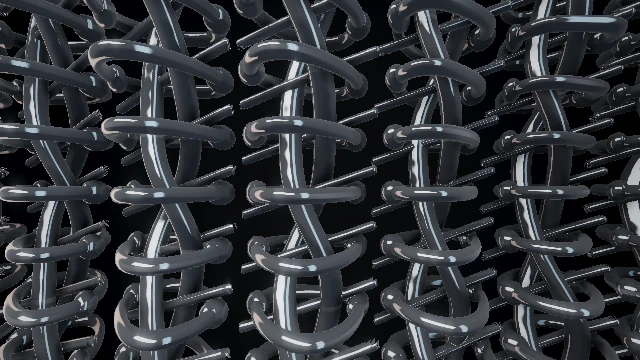
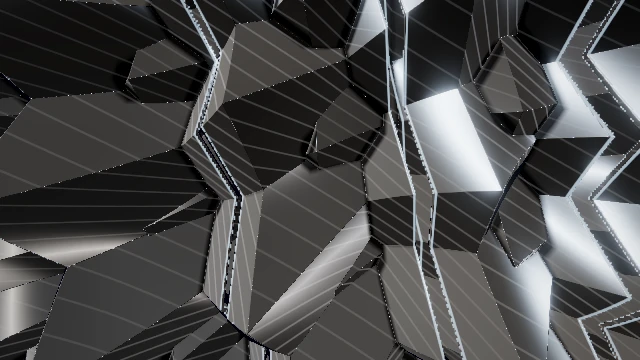
Choose a complete starting set, make it yours, then play it in Studio. These are editable recipes; the images below are scene references.
Own clips & captured acts ↗Four acts move from glass and wire to laser crossfire, then back into an orbit.
Build this show ↗Download session JSON ↓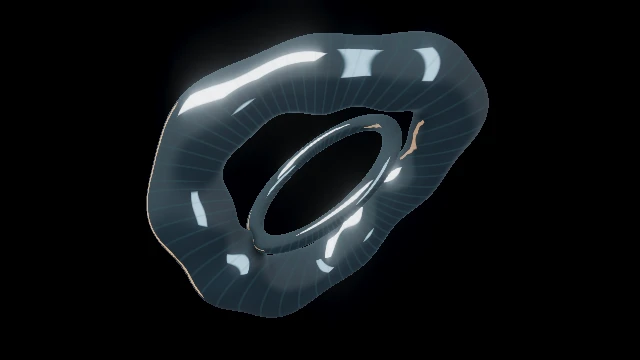
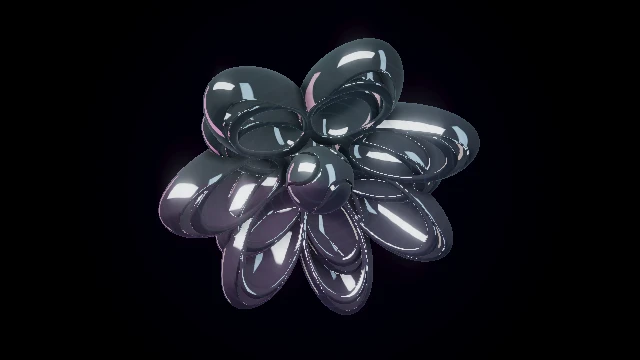
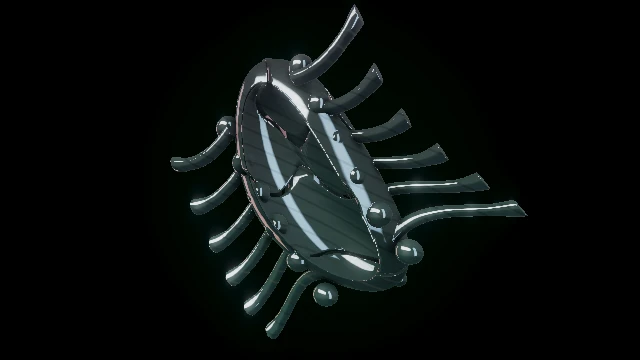
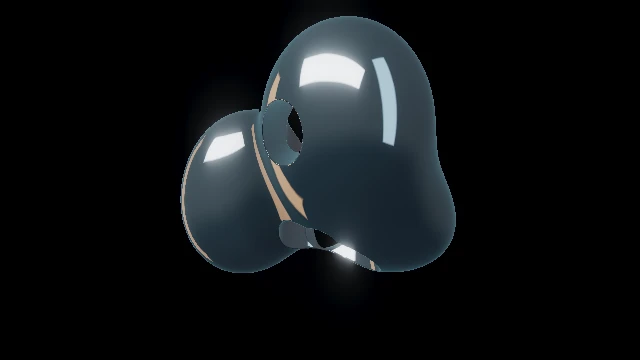
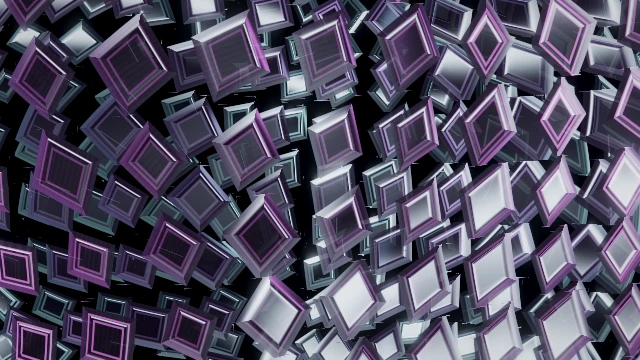
Reflective shells, mirror petals and a biomechanical drop form one evolving set.
Build this show ↗Download session JSON ↓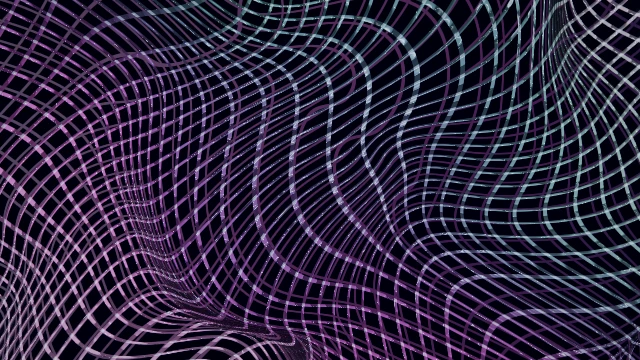
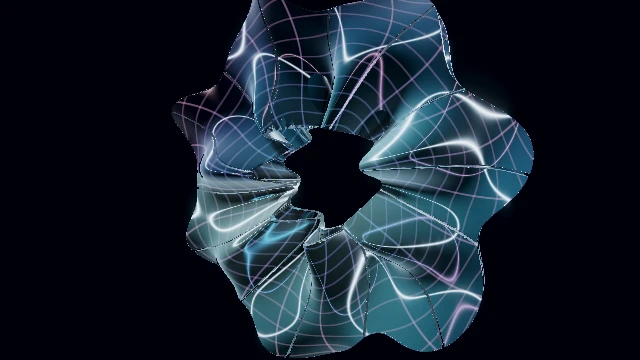
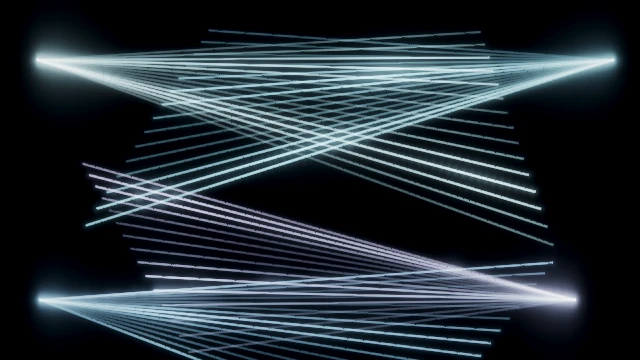
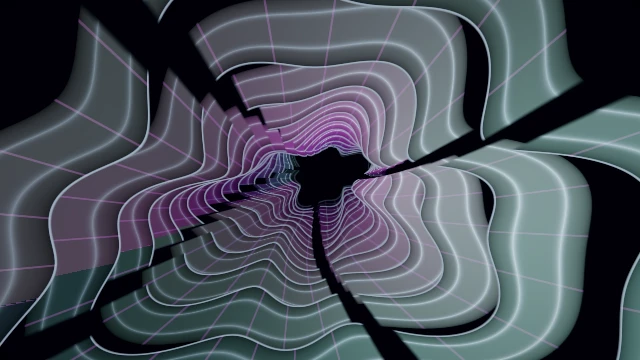
Woven light, optical folds and sweeping shutters change the visual structure.
Build this show ↗Download session JSON ↓
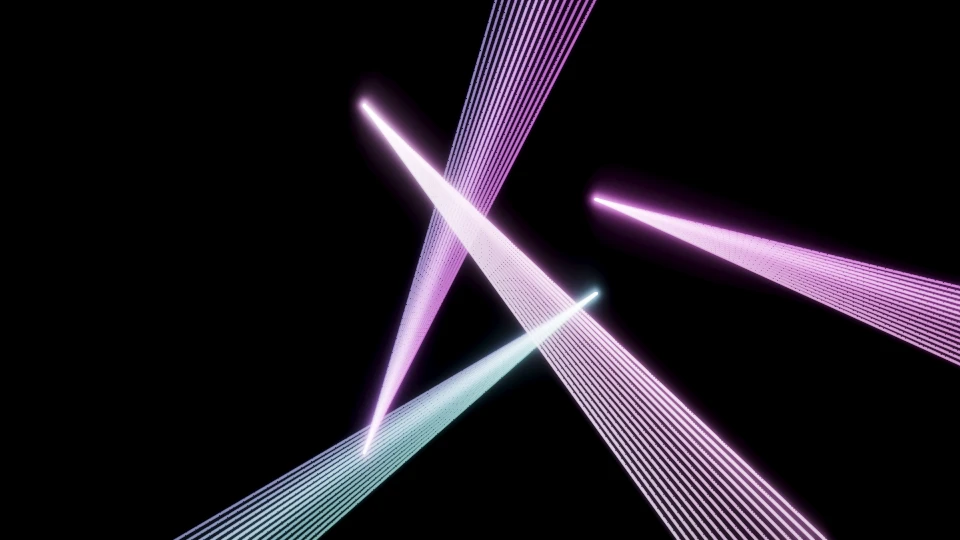
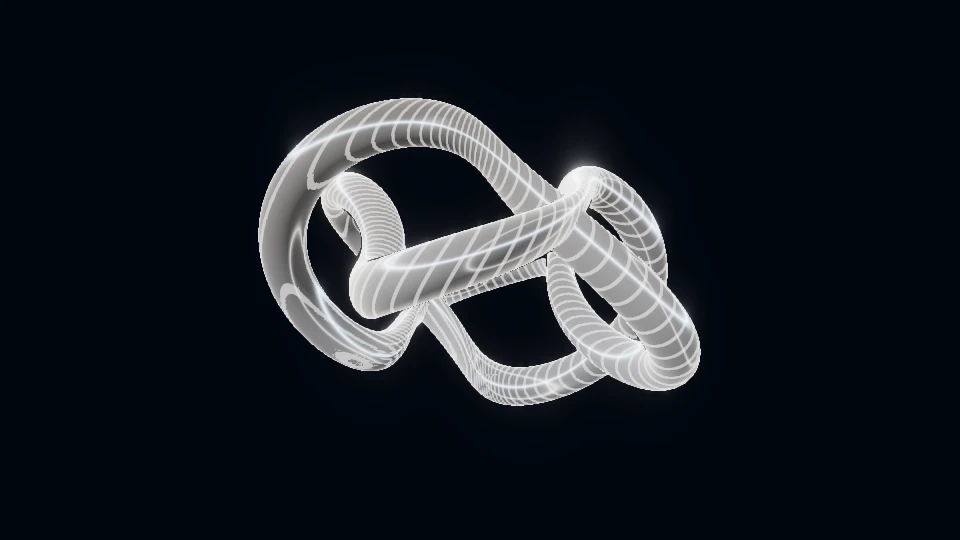
Two original video loops, four captured acts and different Program effects. Includes a real recorded rehearsal.
Rehearse clip show ↗Download session JSON ↓Watch actual rehearsal ↗No account or upload. Recipe links contain public settings only. Loading in Studio is deliberate; audio starts separately. One projector picture, with up to three starter surfaces. Need the detailed projection planner? ↗
REAL OUTPUT, NOT PROMISES
These are actual browser recordings made with PHASE//VOID and a published test signal. Open each example to see the moving result and its setup.
Explore more scenes108 VISUAL WORLDS
Explore 108 distinct procedural worlds, from minimal forms to immersive environments. Each reacts to your audio in real time.
Explore all scenesOUTPUT FORMATS
Record your visuals in the format you need. Compose for YouTube, vertical video, square posts or live projection.
These are actual output frames. See the recorded 9:16 and 1:1 examples and output limits ↗
YOUR WAY TO VISUALS
The same free tool, different flows. Choose how you want to create.
FREQUENTLY ASKED QUESTIONS
The current studio is free to use and requires no account. You can save looks in this browser or download a session settings file. Audio and artwork are kept separate from session files.
Yes. File render uses a local mono/stereo MP3/WAV segment and your current composition or reviewed saved-act timeline. A File already selected in this Studio tab is handed off silently without another chooser. Use original 12-second test WAV retains the current composition; Load four-act example explicitly loads a complete public fixture while keeping output frame/size/motion. Undo example setup restores prior settings and loaded clips paused. Complete Manual holds, review the timeline, render deliberately, then inspect/save/reopen. Links start no sound or render; live input and performed gestures use separate real-time capture. Browser codec/device limits apply. Render a complete film from a local track.
Yes. Assign browser-decodable local clips to two Program video layers and set their blend, framing, trim and playback. Add current look also captures both layers, desired playback and the Program rack; Edit cue can explicitly enable clips & FX for an older cue or copy current Program into the draft; Save is required. Prepare show checks required cue files and worlds before performance; incoming files still prepare before a whole cue switches. Playing layers restart at trim In; paused layers stay paused. Clips are muted: use separate MP3/WAV or live audio. Saved sessions require media reattachment and deliberate playback or cue fire. Build and reopen a complete clip show.
In a browser with Web MIDI, open Sound → Timing & beat sync → MIDI controls and choose Connect MIDI, select an input, then Learn a note or CC control. Notes and CC buttons can fire cues, performance and mix Cut/Take actions, video Play/Restart or FX bypass; absolute 7-bit CC controls visual parameters, palette, the A/B picture crossfader, video-layer opacity and final FX amount. Mappings travel with sessions, but MIDI reconnects only by explicit action. Physical-controller compatibility has not yet been verified.
THE JOURNAL
Original ideas on visual direction, sound and stage composition. Read an article, then follow the related Studio task or rehearse a public recipe.
Explore the journalFinish your video · 6 min read
You can work silently and still save a video with sound. You can also hear music in the room while the browser records silence. Follow the audio path before changing the visual.
Read the articleFinish your video · 5 min read
The file extension is one part of delivery. Choose a format the destination accepts, use an encoding route available on your device, then inspect the saved result before relying on an upload.
Read the articleHow visuals work · 5 min read
A shape can follow the bass and still miss the beat you meant. Before adjusting another slider, separate what the instrument hears, what its clock predicts and what reaches the room.
Read the articleGUIDES
Step-by-step guides to get the most out of PHASE//VOID.
UPDATES
New visual worlds, features and improvements.
 ▶
▶ ▶
▶ ▶
▶ ▶
▶ ▶
▶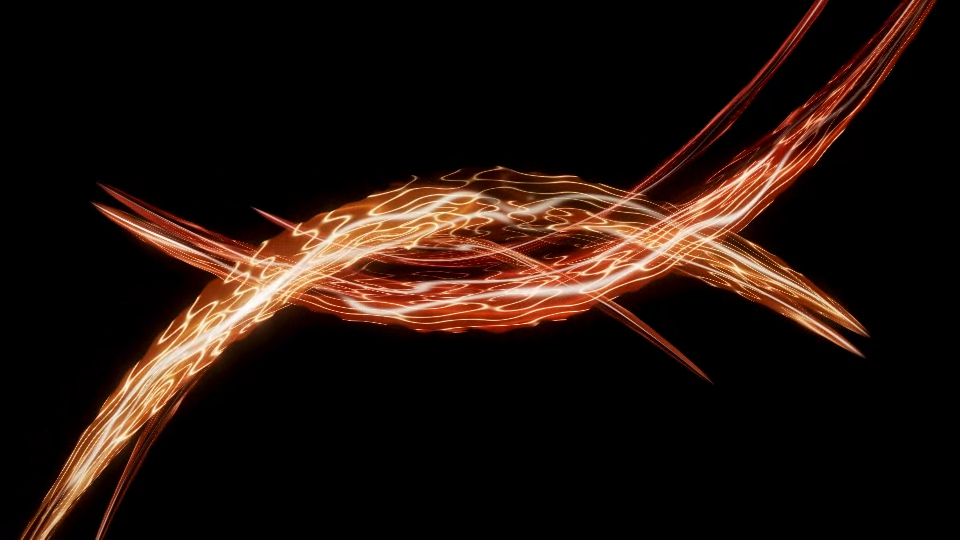 16:9YouTube, desktop, projection
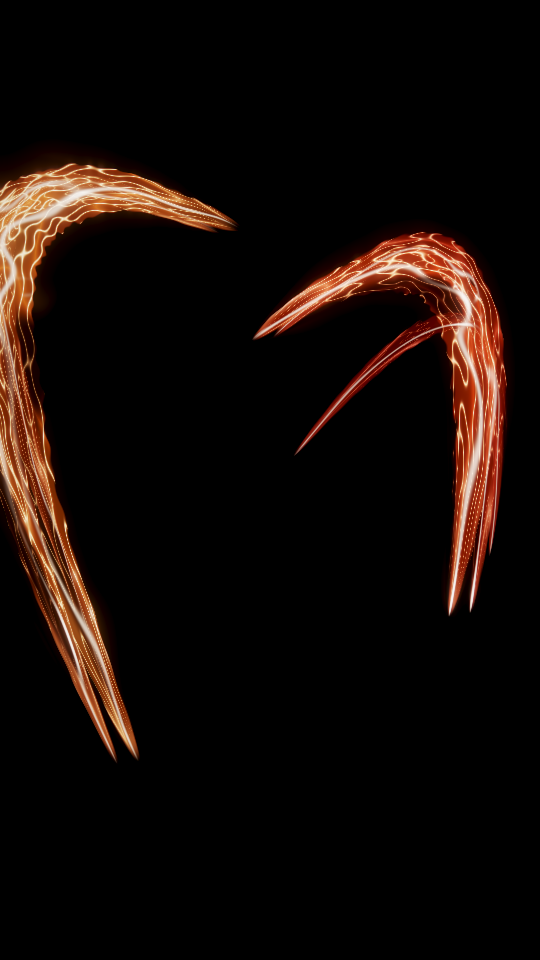 9:16Vertical video, mobile
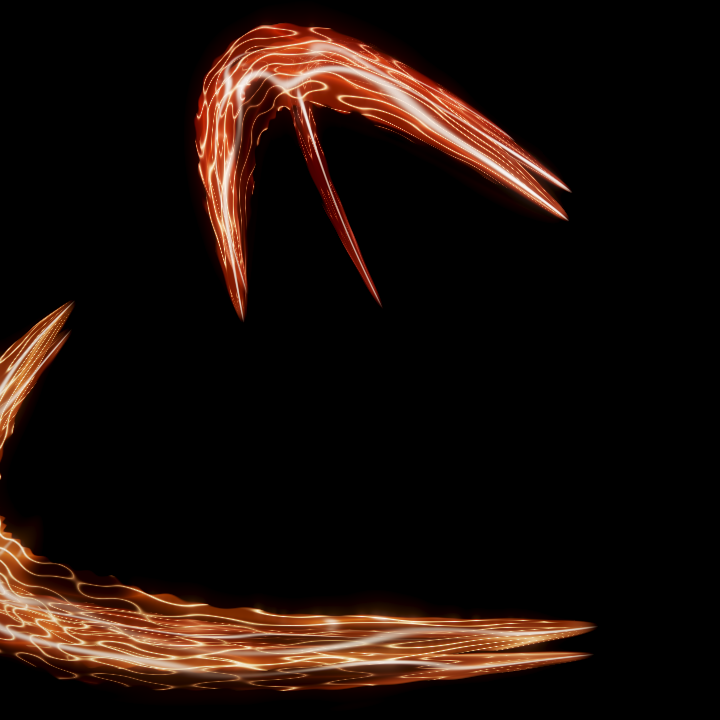 1:1Square video and social