By Balance IT · Updated
PRODUCT DEMONSTRATIONS
A direction you can actually inspect.
First-party PHASE//VOID examples, not a portfolio of commissioned client work. Use one as a starting point, or bring a public world or show recipe.

A release with impact.
Define the music video and social versions together.
Watch the actual recording ↗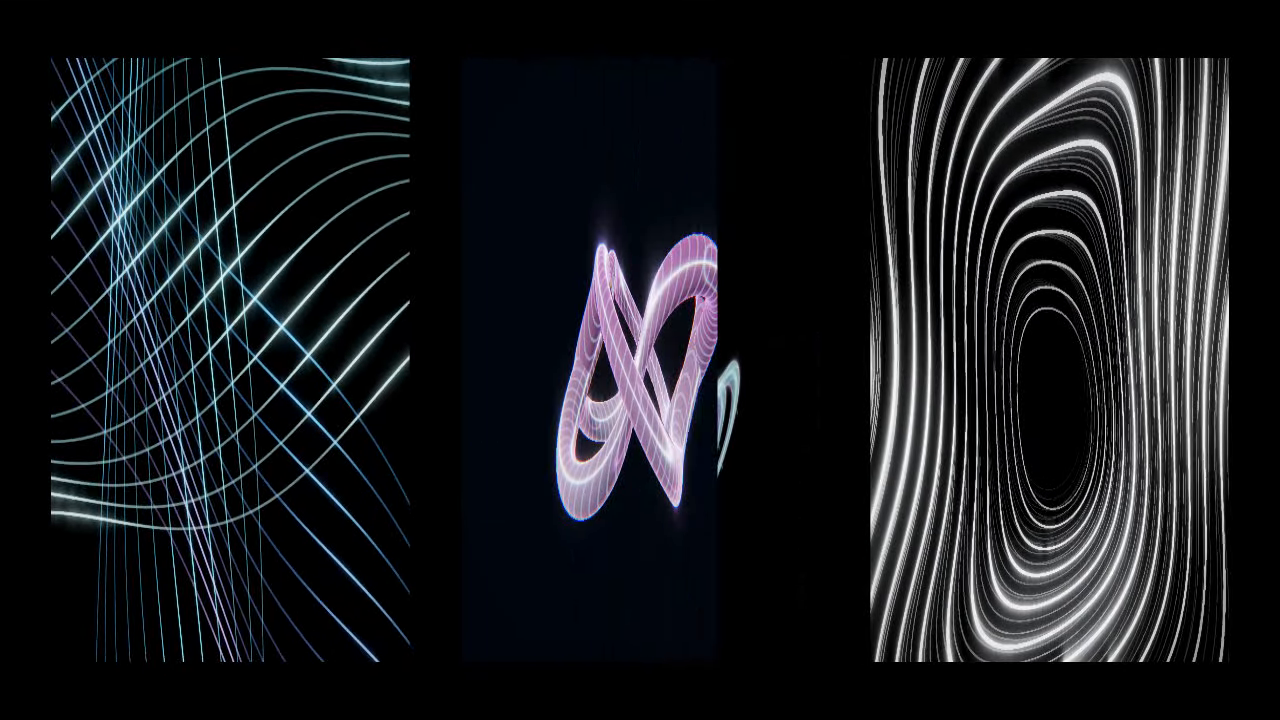
A show built for its screens.
Independent surface visuals. Align and test them at your actual venue.
See the recorded show and setup ↗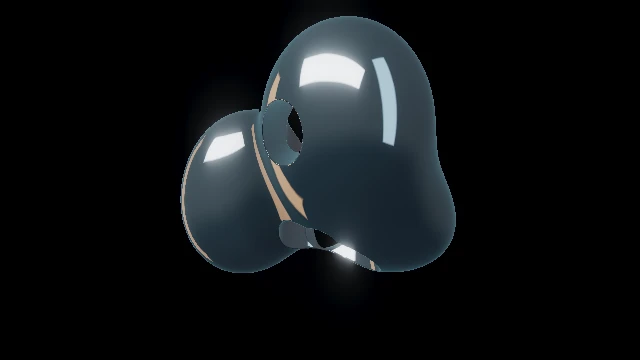
A space that moves.
A world reference for a browser installation; not a commissioned installation.
Explore the actual world ↗Specify the result, then discuss the work.
Public Studio tools remain free. Custom work is quoted after scope and feasibility review. A brief does not place an order or reserve a date.
Several projector outputs, edge blending, native protocols and on-site operation need separate assessment. Read the software comparison; the free Studio does not acquire these capabilities through an enquiry.
DIRECTION → SCOPE → REVIEW
Make the project easy to understand.
Entered details stay in this tab. Download a local JSON draft to keep or reopen them. Public starting choices can arrive in the link fragment; media, filenames, private titles and calibrated venue geometry are excluded. Fixed action counts never contain your brief. Your email app sends it only if you choose to send.
READY TO REVIEW
Your project scope.
Still to agree
This is an enquiry, not an order, quote acceptance or booking. No message is sent by this page.
Agree before production.
- Review scope and feasibility. Confirm direction, outputs, available media, device and deadline.
- Agree the commercial details. Discuss price, deliverables, revisions, usage rights and hardware testing or operation.
- Check the actual context. Review a video in its intended edit; rehearse live work on the target hardware and screens.
Send your reviewed brief to [email protected]. No turnaround or reservation is promised until agreed. For self-service creation, use the MP3/WAV guide, live setup or recording guide.