WORKSHOP PUBLIC SETTINGS RECIPE
Suspension → Pressure → Peak → Afterimage
Rehearse eight different visual roles on one full-frame projector output, then adapt the holds to your own music. This is a curated recipe using eight existing worlds, not eight new effects or a supplied song arrangement.
- Starting frame
- 16:9 · 1280 × 720
- Motion
- Gentler
- Audio
- Your file · chosen separately
- Clock
- 150 BPM · manual
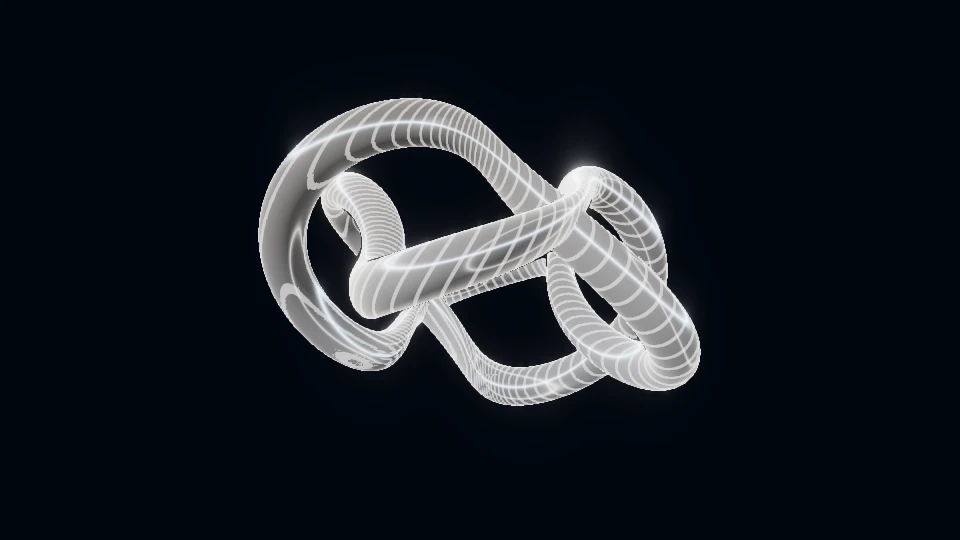
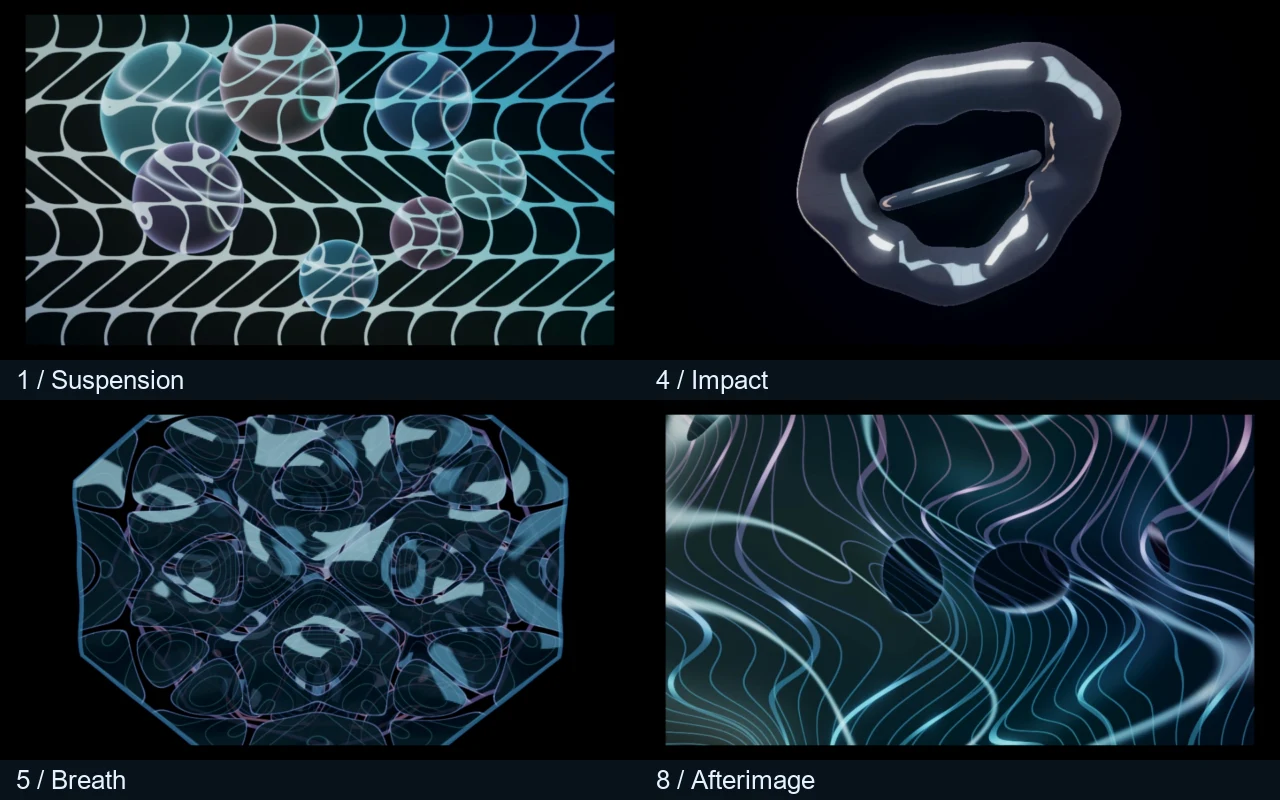
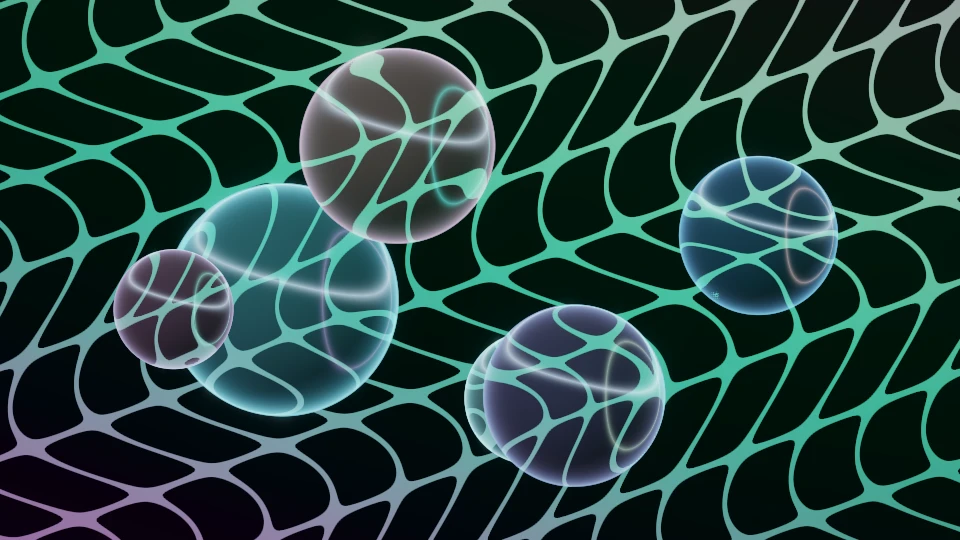 SuspensionOrbital glassCut → Manual hold · FX Off · Motion 55% · Energy 85% · Detail 55% · Glow 35%
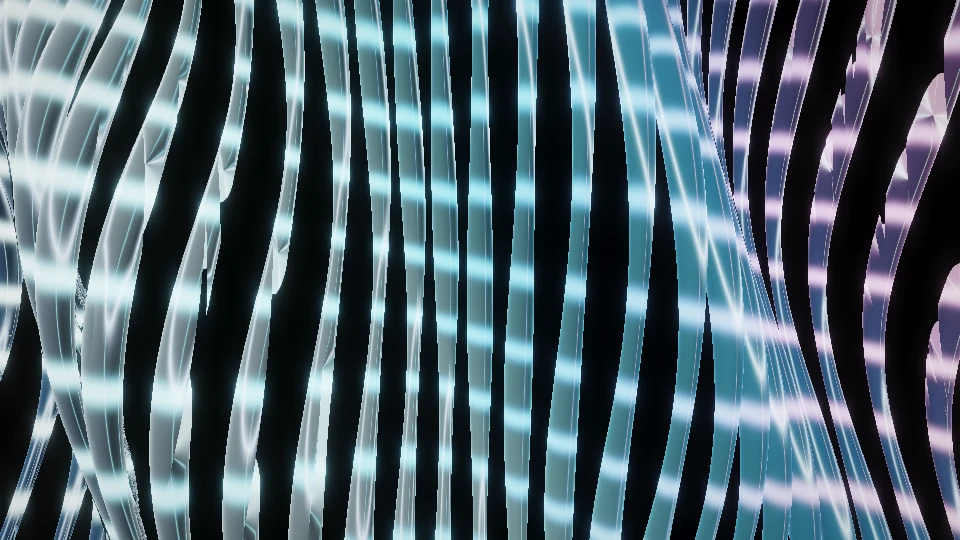
 CompressionNanofiber stormDissolve · 0.6 s → Manual hold · FX Off · Motion 85% · Energy 100% · Detail 80% · Glow 28%
 CutPhase scissorsCut → Manual hold · FX Off · Motion 110% · Energy 110% · Detail 65% · Glow 20%
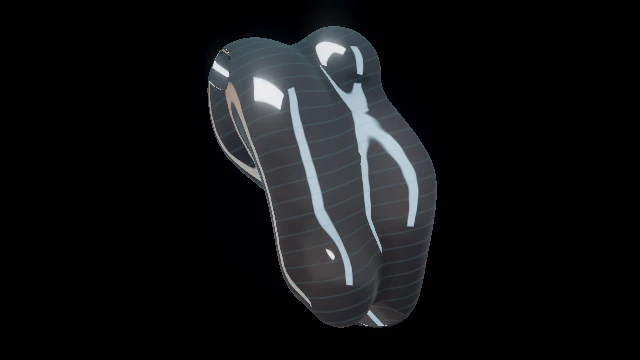
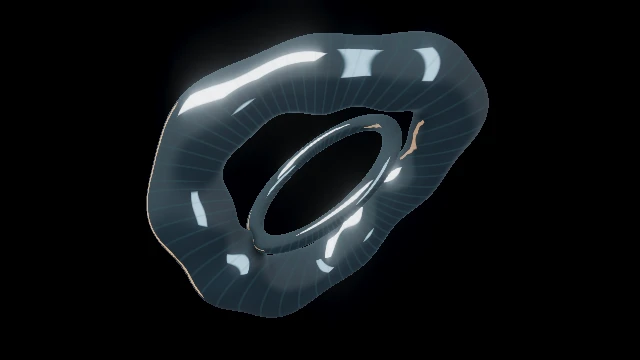 ImpactAlloy eclipseWipe · 0.5 s → Manual hold · FX Off · Motion 90% · Energy 120% · Detail 75% · Glow 30%
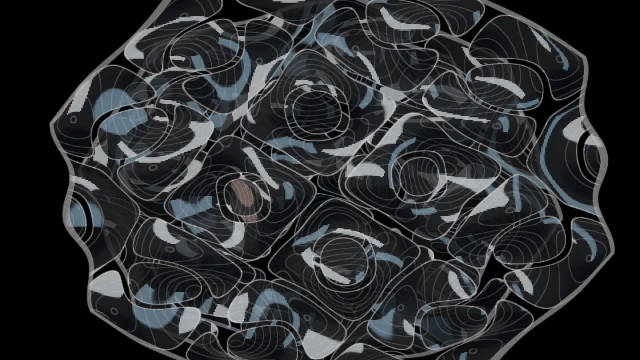 BreathChladni architectureDip · 0.6 s → Manual hold · FX Off · Motion 35% · Energy 70% · Detail 45% · Glow 20%
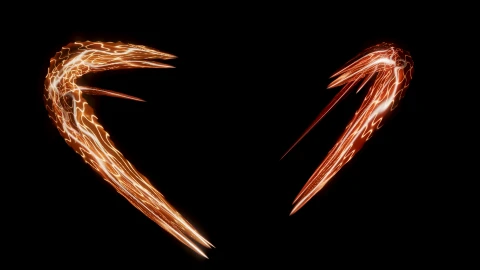
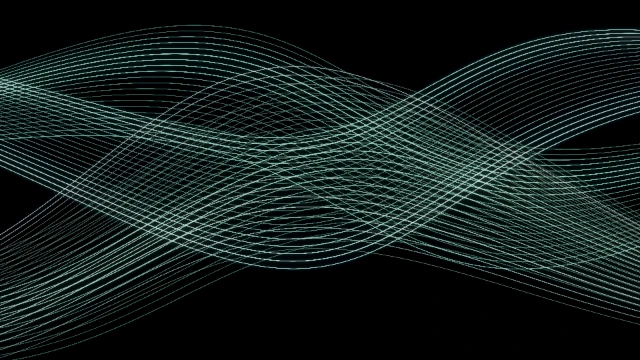 ReleaseLaser braidCut → Manual hold · FX Off · Motion 115% · Energy 120% · Detail 70% · Glow 45%
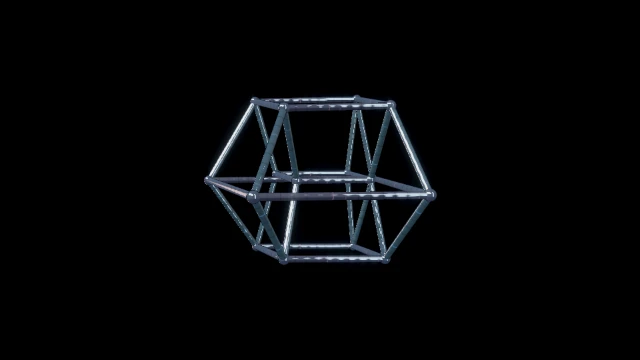 PeakHypercube collapseWipe · 0.5 s → Manual hold · FX Off · Motion 110% · Energy 125% · Detail 80% · Glow 35%
 AfterimageCaustic membraneDissolve · 0.8 s → Manual hold · FX Off · Motion 45% · Energy 80% · Detail 55% · Glow 25%
Opening the exercise starts no audio, selects no file and grants no input permissions.
Three steps to rehearse it.
- Open the exercise, review all eight acts, then Load exercise deliberately. It replaces settings, mapping, queue, MIDI and clip layers; save a full session first. Undo exercise restores prior settings in this tab until reload. Audio and video files remain separate.
- In the rehearsal panel, Choose MP3 / WAV loads a local track paused with speakers off. Prepare show, start your track deliberately and use the eight performance pads or cue buttons at the changes you actually hear. Manual holds wait for you; the 150 BPM starting grid is not detected tempo.
- For a film, Plan film with this show & track opens the complete queue with that same File. Choose a passage, Fit all acts, inspect the storyboard and render. Save and reopen the actual results. Film holds do not rewrite the manual live set.
What to look for.
- Can you recognize the change from object to woven field, optical plane, metal, lines and folding body without relying on colour?
- Does Breath reduce motion enough to make Release feel different? Check the actual moving output with your own track.
All acts use the same starting palette and no extra rack FX. The authored speed, energy, detail and glow are starting choices, not sound measurements. Current Gentler motion is retained when loading; change it deliberately if wanted. One full-frame output is not a calibrated room, a multi-projector route or a promise of sustained FPS.
Checked in native in-app Chromium on 15 October 2026: Load/Undo, eight keyboard-fired cues, a paused local WAV and the complete film path. The three saved and reopened 16:9, 9:16 and 1:1 outputs each decoded to 360 different frames at 30 FPS. Read the bounded software check. Four sampled audio windows per output aligned with the source; physical timing, venue calibration and long-set acceptance remain separate.
Edit the weakest act after rehearsal, or carry this public eight-act direction into a separate custom-work brief.
Discuss this eight-act set The brief carries the public recipe only: no audio, private cue edits, titles or venue calibration. Custom work is quoted separately; public Studio tools stay free.Give the set a direction before giving it speed.
This recipe moves from suspended glass forms into a woven field, sharp planes and a heavy metallic body. It then opens a quieter harmonic passage before returning through travelling lines and a folding structure. A slower fluid surface closes the sequence. The progression gives a techno set several different kinds of pressure instead of asking every world to stay at maximum density.
These are eight curated worlds from the existing PHASE//VOID library. They are not eight newly added shaders, an automatic interpretation of your track or a fixed musical arrangement. The labels describe what to look for in the picture. You decide when each role belongs in the music, and you can remove an act that does not help the performance.
The starting palette is shared and the extra FX rack is off. That makes silhouette, depth and direction easier to compare. Speed, energy, detail and glow differ between acts; the workshop lists the exact values. They are authored starting settings rather than measured audio levels. Keep your first rehearsal simple enough to hear and see whether those choices work.
Eight roles, with a reason for every change.
Orbital glassEstablish floating glass forms against a curved lattice.
Explore this world ACT 2 · CompressionNanofiber stormReplace the isolated form with a tighter woven field.
Explore this world ACT 3 · CutPhase scissorsChange direction and negative space with sharp optical planes.
Explore this world ACT 4 · ImpactAlloy eclipseGive the first peak a heavy metallic silhouette.
Explore this world ACT 5 · BreathChladni architectureReduce the motion rate and let a harmonic structure read.
Explore this world ACT 6 · ReleaseLaser braidOpen a clear travelling line after the quieter passage.
Explore this world ACT 7 · PeakHypercube collapseSwitch from lines to a folding spatial body for a second peak.
Explore this world ACT 8 · AfterimageCaustic membraneResolve into a slower continuous surface instead of another hard cut.
Explore this worldSuspension establishes glass forms and a curved lattice. Compression changes enclosure and density. Cut interrupts that field with directional planes; Impact gives the first peak a heavier silhouette. Breath is the important interruption: its slower motion and simpler detail make the next travelling lines feel like a release. Peak changes those lines into a spatial body, and Afterimage gives the ending a continuous surface.
Treat these as jobs rather than genre rules. If the music already has an intense high-frequency passage, a fine woven field may compete with it. Try the simpler object there and move the field later. If a metallic body hides the musical change, use another sculptural world from the catalogue. Keep the intended contrast while changing the material.
A tempo grid is not a song arrangement.
All eight live holds are Manual. Run begins the queue; each following act waits for a deliberate cue or performance-pad action. The supplied 150 BPM value is only a starting clock. It does not analyse your file, identify a drop or follow tempo drift. Set BPM and Resync deliberately when you need the existing beat or bar launch controls.
Listen to a passage and mark the musical changes you actually want to expose. A four-on-the-floor kick does not require a new world on every beat. Give a large form enough time to become familiar, then use a change in geometry or direction when the arrangement earns it. The same sequence may need different holds for two different tracks.
The incoming transitions are also deliberate choices. Cut keeps Suspension and Release direct. A short Dissolve introduces Compression; a Wipe introduces Impact and Peak; a Dip opens Breath; a longer Dissolve closes into Afterimage. Inspect the complete moving transition: two individually attractive worlds can become cluttered when combined. Change the transition if it hides the new silhouette.
Choose a track, prepare and rehearse off air.
Open the exercise and review all eight world names before Load exercise. Loading replaces look, output, mapping, cue queue, MIDI bindings and clip layers, so save a full session first if it matters. Undo exercise restores the preceding settings in the same tab until reload; media attachments remain separate. Merely opening this article or Studio link starts no audio and selects no file.
Use Choose MP3 / WAV in the rehearsal panel. It receives the local file paused with speaker monitoring off. Prepare show checks the loaded worlds on this device; it is not a guarantee of sustained frame rate or physical projector readiness. Start the track deliberately when you are ready, then Run and fire the eight acts at the changes you hear. Keep monitoring off during a silent software check.
Watch the quieter passage as carefully as the peak. Does Breath actually leave more space? Do the travelling lines read after it? Does Peak make a different spatial gesture, or only become busier? Keep the comparison to a few specific questions. Adjust the weakest act and rehearse that transition again before changing the whole set.
Gentler motion is retained from your current Studio state when loading a Journal recipe. Inspect it before performance and change it deliberately if wanted. Freeze and Blackout remain available in Studio. Agree on an operator and a quick stop path for a live show; a preparation check does not replace watching how the picture feels at venue brightness.
Start with one complete projector picture.
This recipe uses one full-frame program surface. Every act replaces the material in that picture. It is a useful first rehearsal for one projector, because it keeps composition separate from surface calibration. It does not create eight independent screens, route multiple projectors or align a physical ceiling automatically.
After checking the sequence, fit the output to your actual target in Mapping. Check corners, crop, masking and unwanted spill from the audience position. If you split the picture into independent sources, review which surfaces follow the program and which hold their own material; do not assume a cue changes an independently assigned world. The one-projector exercise explains focal and supporting regions.
A browser screenshot cannot prove alignment, usable contrast in a lit room, a safe mounting position or uninterrupted performance over a long event. Keep those venue checks separate. Begin with a modest resolution, inspect the actual moving output on the intended device and increase it only when that device can sustain the result.
Turn the same eight acts into a checked film.
With the recipe loaded and your local file selected, choose Plan film with this show & track. It opens the complete queue with the same File, stops rehearsal playback and leaves monitoring off. It does not start a render. Choose the soundtrack passage and film dimensions, then use Fit all acts to selected passage to give the eight Manual holds explicit film durations.
For musical change points, choose Soundtrack entry times instead: enter the soundtrack seconds where transitions begin, or seek/play the silent-by-default PCM preview and Place here. The editor shows the nearest film frame and rejects overlapping transitions. Later preview windows let you inspect beyond the first minute without trimming the film. Follow the cue-sheet instructions. Those film durations do not rewrite your manual live queue. Inspect the coverage warnings before accepting any omitted, clipped or extended act. Review the storyboard, including later acts and transitions, before rendering. This matters especially when a short passage leaves little time for the slower closing world or a long transition.
Render the intended formats serially. A landscape film, portrait film and square film need separate composition checks: the same central subject can read differently in 16:9, 9:16 and 1:1. Save each actual result and reopen it in the existing inspector. Check the beginning, a transition, a later act, the end and the soundtrack before considering the deliverable accepted. The film guide owns the detailed controls.
The software evidence below uses a controlled original test soundtrack. It proves only the stated local render and inspection. It does not mean this curated order automatically matches your music, that a catalogue still is a venue recording or that every device will reproduce the same frame rate. For a bespoke event direction, the brief carries this public recipe; your private audio and room calibration stay separate.
TRY THE IDEA
Rehearse the eight-act set.
Opening the exercise starts no audio, selects no file and grants no input permissions. Review the picture with your intended sound and frame.
Rehearse the eight-act set