WORKSHOP PUBLIC SETTINGS RECIPE
Arcs & current / Metal & openings
Compare travelling arcs with a perforated metallic body using the same passage of your own track.
- Starting frame
- 16:9 · 1280 × 720
- Motion
- Gentler
- Audio
- Your file · chosen separately
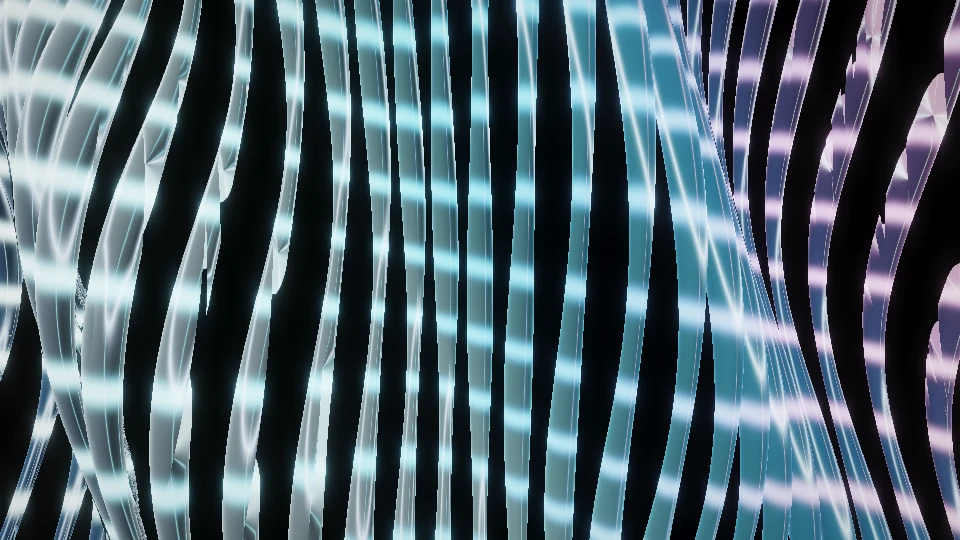
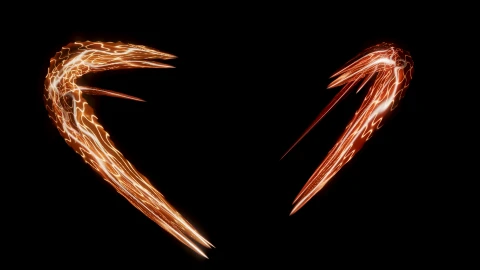 A · Arcs & currentSolar flareSame selected passage · explicit Preview A/B
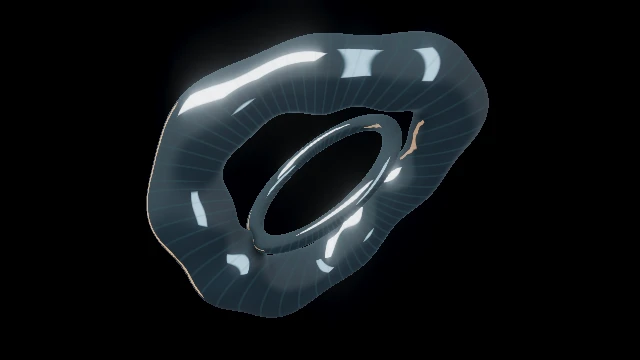
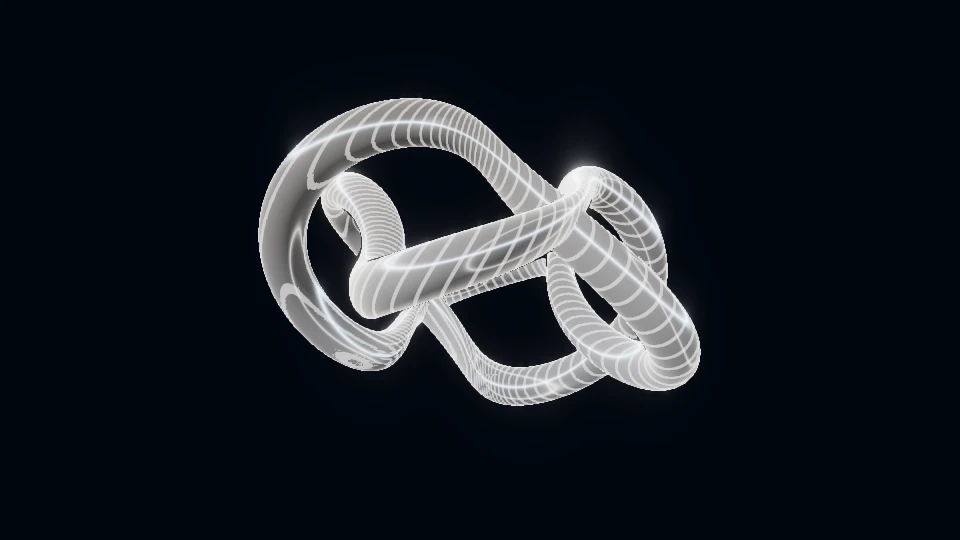
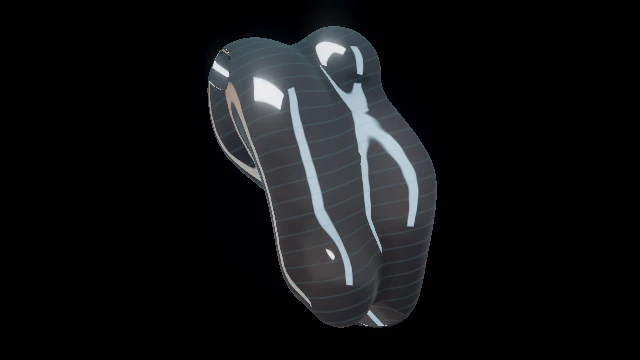
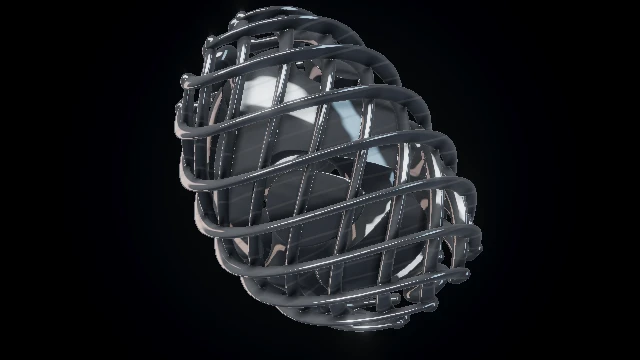 B · Metal & openingsChrome cocoonSame selected passage · explicit Preview A/B
Opening the exercise starts no audio, selects no file and grants no input permissions.
Three steps to rehearse it.
- Open the catalogue and choose Load A/B exercise. It fills the two candidate slots only. Undo A/B exercise restores the earlier pair; loading changes neither your source, track nor passage.
- Choose one local MP3/WAV and a passage inside it. Keep monitoring off or enable it deliberately, then Preview A and Preview B in turn on the same canvas.
- Keep the better-fitting world in Favorites, or continue with that world and File into paused Studio. A proposed film fragment needs its own acceptance and Review.
What to look for.
- Which world makes the musical passage easier to read between the hits?
- Does a change in low or high energy alter structure, fine detail or only perceived brightness?
A/B is sequential audition, not a live mix or identical procedural replay. The same passage does not guarantee identical frames or sample-accurate stopping. The pair is a candidate comparison, not a promised match for your music.
Checked in native Chrome on 14 October 2026: explicit load/undo, the four manual acts, three real frame shapes, sequential A/B and a saved/reopened public-reference brief. A separate two-second mapped film decoded to 48 different frames. Read the bounded software check; physical projection and long-set acceptance remain separate.
Continue with the selected candidate in Studio, or carry this public comparison direction into a separate custom-work brief.
Discuss this motion direction The brief receives the public candidate pair and frame. Your track, passage and private choices are not included. Custom work is quoted separately; public Studio tools stay free.Listen for the role of the passage.
Before picking a world, describe the passage in plain language. Is it driven by separated low hits, a continuous bass line, a busy midrange texture or scattered high percussion? Is the musical space opening or becoming denser? A visual choice can support that structure without imitating every event.
Use the same short audio section to compare several worlds. Changing the track at the same time makes it hard to know whether the scene or the music caused the difference. Watch both a dense passage and a sparse passage: a scene that only reads when the signal is loud may be a poor fit for the whole act.
For input setup, keep the MP3/WAV guide and live input guide as the operational references. This article is about choosing a picture once the signal is working.
Separate motion, audio response and pulse.
| Layer | Design question |
|---|---|
| Motion | What travels, rotates, folds or evolves even between individual hits? |
| Audio response | Which parts change when the analysed signal changes? |
| Pulse | Should a discrete accent follow an audio transient or a manually aligned beat? |
Motion controls the pace of the world. Energy changes how strongly the sound influences it. Beat sync selects a pulse source. These are related visual layers, but raising Motion does not set a track tempo and typing a BPM does not turn every continuous animation into a beat-locked loop.
Begin with readable continuous movement, then increase audio response until the passage changes the geometry clearly. If the image becomes visually crowded, reduce Detail or Glow before assuming that less signal is needed. Audition one control at a time.
For a local track, the track-position pulse follows playback position when configured. Live input uses a manually aligned clock or audio transients. BPM is supplied rather than detected. Use the Beat sync instructions for alignment and the limits of Visual timing.
Audition different materials against the same sound.
Arcs & currentSolar flare Bass shapes large arcs, mids bend the currents and highs brighten local knots.
Open live worldMetal & openingsChrome cocoon Bass expands the braided cage; brighter audio reveals fine surface detail.
Open live world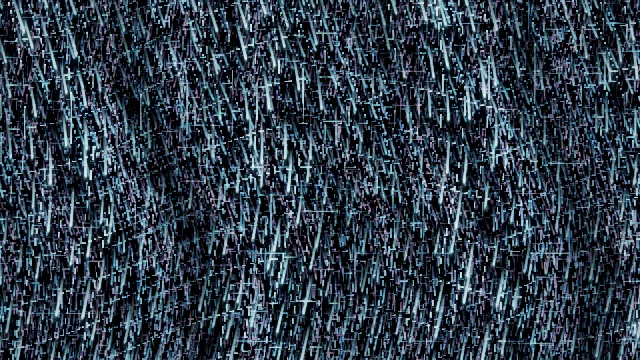 Trails & directionMeteoric rain
 The midrange bends the meteor curtains while the low band opens their tails.
Open live worldThese examples describe mechanisms already present in the catalogue. They are audition candidates, not promised matches for a particular track. A heavy track may work with liquid metal; a subtle passage may benefit from strongly directed lines. The useful criterion is whether the scene makes the passage easier to read.
Look for a visible response in the object, openings, trajectories or field. A hit that changes only brightness may be useful as an accent, but it does not explain the shape. Let slower evolution give the visual a life between transient events.
Check the quiet moments and the display chain.
- Compare the same section at the same output frame. Keep settings changes small enough to identify their effect.
- Listen and watch deliberately, then pause and inspect the silhouette. Can you still identify the main form?
- Check the transition into silence or a breakdown. Continuous motion can remain meaningful while transient accents recede.
- Review the intended screen or projector. Visual timing can shift the selected pulse, but it does not measure the full physical audio/display chain.
The techno comparison guide uses first-party recordings driven by the same original test WAV. That is a more useful comparison than unrelated screenshots because the input is held constant. It remains a short browser example rather than a claim about your venue or an entire set.
Once a world fits the passage, give it a role in the set. Read the contrast exercise to turn individually good looks into a sequence with somewhere to go.
TRY THE IDEA
Compare the two motion candidates.
Opening the exercise starts no audio, selects no file and grants no input permissions. Review the picture with your intended sound and frame.
Compare the two motion candidates