WORKSHOP PUBLIC SETTINGS RECIPE
Space → Pressure → Release → Return
Give the same set four different visual roles. Change silhouette, enclosure and direction while keeping one shared starting palette.
- Starting frame
- 16:9 · 1280 × 720
- Motion
- Gentler
- Audio
- Your file · chosen separately
- Clock
- 120 BPM · manual
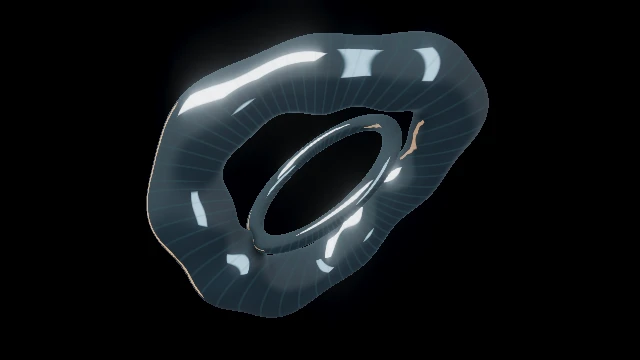
 SpaceEvent horizonCut → Manual hold · FX Off
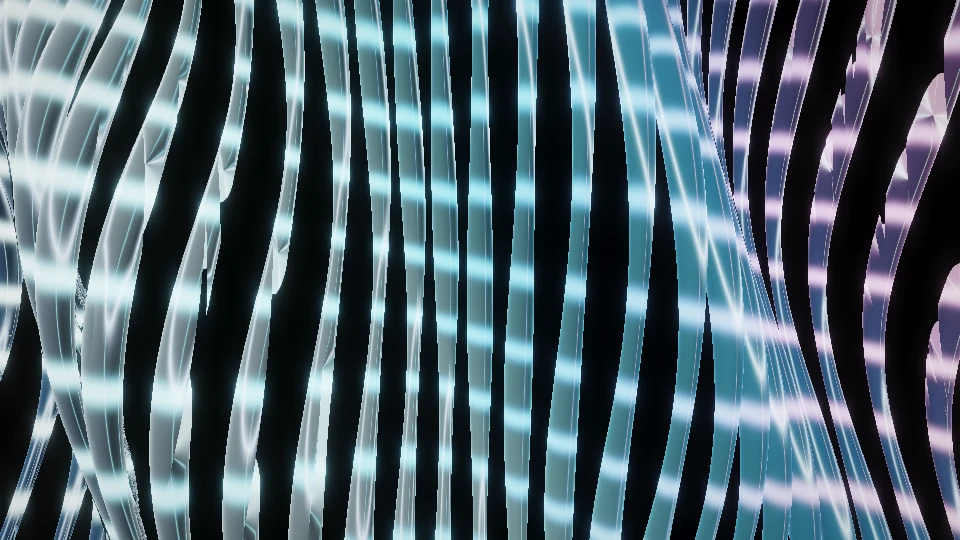
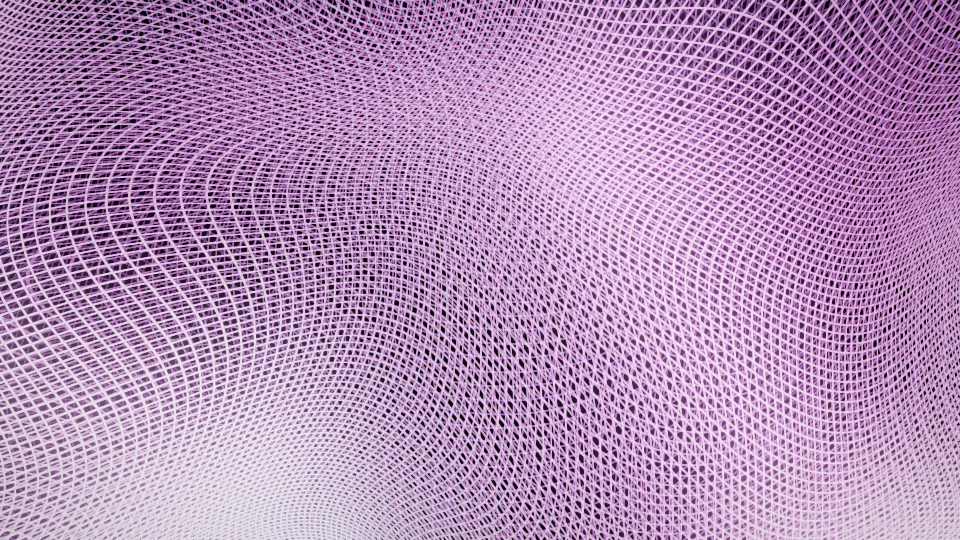 PressureWire loomDissolve · 1.5 s → Manual hold · FX Off
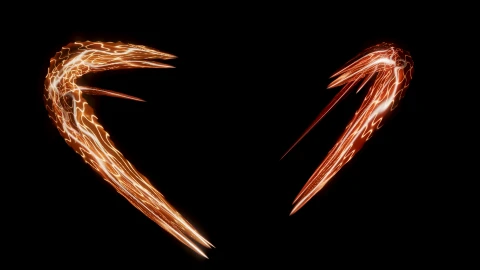
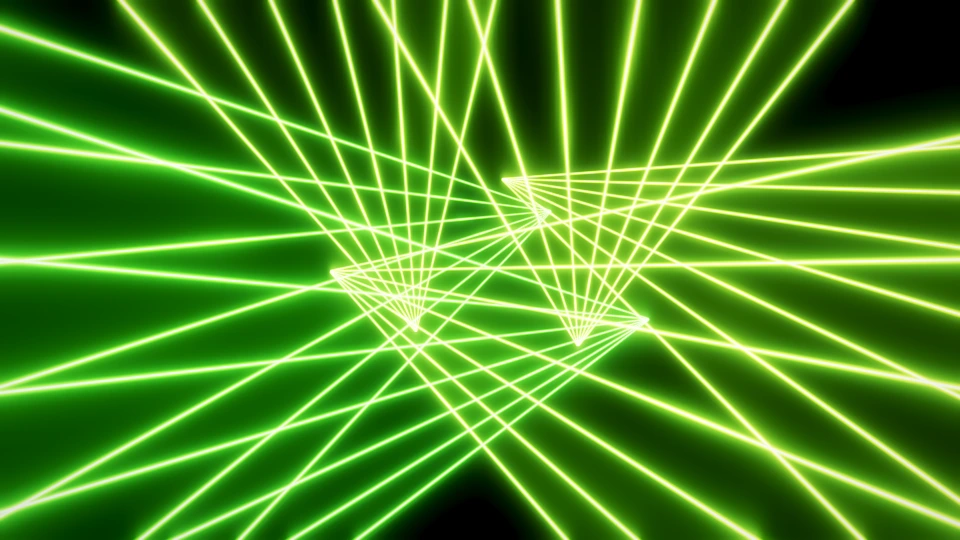 ReleaseRave laserCut → Manual hold · FX Off
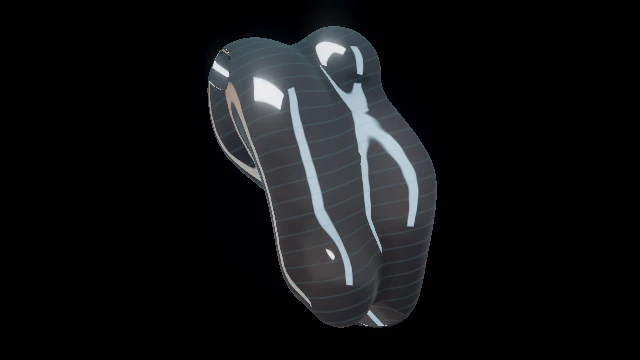
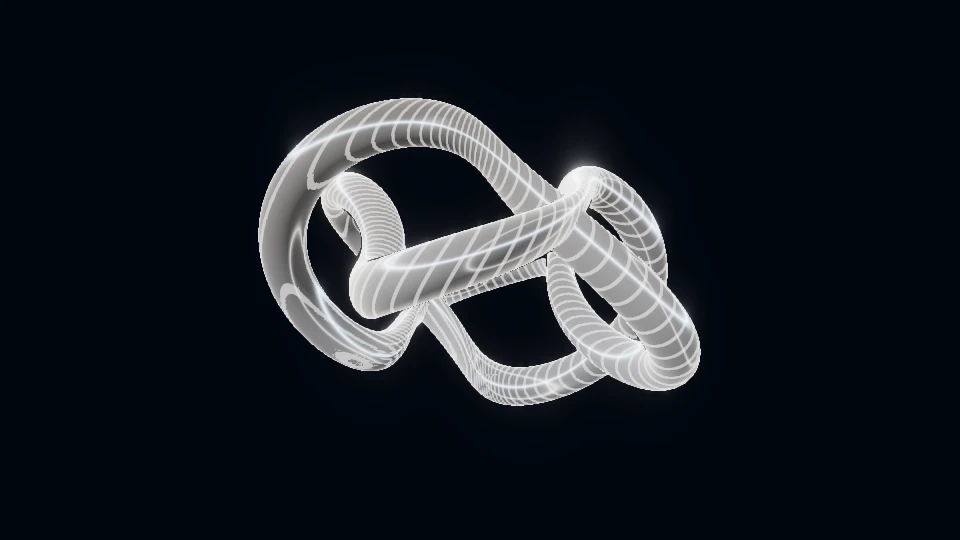 ReturnChrome knotDip · 1.5 s → Manual hold · FX Off
Opening the exercise starts no audio, selects no file and grants no input permissions.
Three steps to rehearse it.
- Review before Load exercise: it replaces look, output, mapping, acts, MIDI and clip settings. Undo exercise restores earlier settings in this tab until reload; reattach video files separately. Audio remains under its own controls.
- Choose your audio deliberately, then Prepare show. Fire Space, Pressure, Release and Return manually; listen to the same musical change while checking each incoming picture.
- Keep the contrast that works and revise one weak act. For a film, open File render, give every Manual hold a duration and Review the complete timeline before rendering.
What to look for.
- Does each act change the main silhouette or direction, rather than only its colour?
- Does the incoming world remain readable through its Cut, Dissolve or Dip?
Manual holds do not prescribe a song structure. The 120 BPM clock is a supplied starting value, not detected tempo. Reference stills are not a recording of this sequence.
Checked in native Chrome on 14 October 2026: explicit load/undo, the four manual acts, three real frame shapes, sequential A/B and a saved/reopened public-reference brief. A separate two-second mapped film decoded to 48 different frames. Read the bounded software check; physical projection and long-set acceptance remain separate.
Revise the acts in Studio, or carry this public four-act direction into a separate custom-work brief.
Discuss this four-act direction The brief receives the public four-act recipe; your audio, titles and calibrated geometry stay separate. Custom work is quoted separately; public Studio tools stay free.Choose one change that matters.
If every section fills the frame with fast detail, the next drop has little room to change the picture. Give each passage a visual role. An opening can establish scale; a build can compress space; a break can expose a simpler silhouette; a peak can release motion across the frame. These are design choices, not rules attached to a musical genre.
Start with a sentence: “The image moves from a suspended object to an enclosing world.” Or: “Fine lines become a heavy, reflective body.” That sentence gives you a reason to change scenes. A different palette alone may leave the same silhouette, depth and rhythm on screen.
PHASE//VOID includes sculptural, optical, fluid, cosmic and rave families in the world library. Use those families to find contrasting material, then inspect the actual world. Family labels describe the catalogue; they do not decide the order of your set.
Sketch four roles before adding more scenes.
Use the following sequence as a starting exercise. The workshop above opens its exact four-act settings recipe; these stills remain references, not a recorded performance. Its value is the change between roles.
Event horizonA dark centre and one monumental object. Establish a scale the later pictures can interrupt.
Explore this world ACT 2 · PressureWire loomMove into folded lines and spatial texture. Increase enclosure rather than simply filling the blacks with light.
Explore this world ACT 3 · ReleaseRave laserLet the picture travel across the frame. Changing beam formations give the peak a different direction of motion.
Explore this world ACT 4 · ReturnChrome knotResolve into one reflective body. Keep energy in the sculpture while opening space around it.
Explore this worldSwap any world that does not suit your track. A quiet passage need not look cosmic, and a peak need not use lasers. Keep the role while changing the material. Two metallic worlds can still contrast if one fills the screen and the other remains a small central form.
Compare shape, density and direction.
| Question | What to look for |
|---|---|
| Shape | Can you describe the main silhouette without mentioning its colour? |
| Density | Where are the large quiet areas? Does the next act change their size? |
| Direction | Does the picture orbit, travel forward, sweep sideways or fold in place? |
| Scale | Is it one object, a close-up surface or an environment around the viewer? |
Test two neighbouring acts with the same passage of audio. If they read as the same picture with different colours, choose another world or change the framing. Begin with one setting at a time: Motion for pace, Detail for density, Zoom for scale. The meaning of a control still depends on the world.
For an off-air comparison, use the moving Preview and A/B workflow in the live guide. Preview lets you shape another look before taking it to a deck. A picture dissolve can connect related shapes; a deliberate cut can make an important contrast legible.
Rehearse the change, not just the favourite scene.
- Pick a short section containing the transition you care about. Keep the input and output frame the same for both looks.
- Watch the outgoing act, the transition and several seconds of the incoming act. A good thumbnail can still make a poor sequence.
- Check whether title, artwork or mapped masks hide the most useful motion.
- Save the looks as acts only after their difference survives the transition. Revisit one overly busy act before adding another.
Studio supports copied show cues and a saved-act editor. Follow the sequence workflow for the exact controls, preparation and launch behaviour. The techno guide contains first-party recordings you can inspect separately from this design exercise.
The next useful addition is the scene that gives your existing set a missing role. A library with a clear opening, build, break and peak is easier to perform than a long row of favourites with no relationship.
TRY THE IDEA
Rehearse the four-act contrast.
Opening the exercise starts no audio, selects no file and grants no input permissions. Review the picture with your intended sound and frame.
Rehearse the four-act contrast