WORKSHOP PUBLIC SETTINGS RECIPE
One world, three actual canvas shapes
Keep one sculptural subject while testing what landscape, portrait and square framing do to its silhouette and motion.
- Starting frame
- 9:16 · 720 × 1280
- Motion
- Gentler
- Audio
- Your file · chosen separately
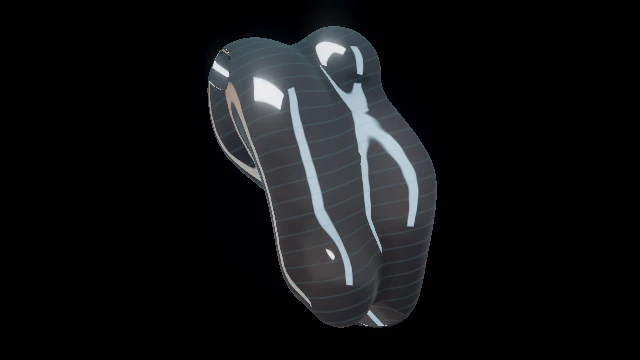 Vertical silhouetteLiquid spire16:9 / 9:16 / 1:1 · one world, separate canvas shapes
Opening the exercise starts no audio, selects no file and grants no input permissions.
Three steps to rehearse it.
- Choose a frame below and review it in Studio. Load exercise replaces look, output, mapping, acts, MIDI and clip settings. Undo exercise restores earlier settings until reload; reattach video files separately. Audio stays under its own controls.
- Choose your own audio and inspect the actual moving world. Check the narrowest silhouette and leave useful space for any title you add later.
- Repeat with another frame. For the chosen version, open File render, Review the final dimensions and soundtrack segment, then inspect the saved result.
What to look for.
- Does the moving silhouette survive the tall frame without losing its defining openings?
- Is there space for a title without covering the strongest motion?
The comparison illustrations are crops of one reference still, not three rendered exports. Each link applies a real canvas shape; it does not copy a private title, artwork or soundtrack.
Checked in native Chrome on 14 October 2026: explicit load/undo, the four manual acts, three real frame shapes, sequential A/B and a saved/reopened public-reference brief. A separate two-second mapped film decoded to 48 different frames. Read the bounded software check; physical projection and long-set acceptance remain separate.
Adapt the selected frame in Studio, or begin a separate brief with the public portrait direction.
Discuss this portrait direction The brief starts with Liquid spire in 9:16. Choose other deliverables explicitly; private artwork and audio stay separate. Custom work is quoted separately; public Studio tools stay free.Begin with the silhouette.
Choose the format before tuning the image. A long vertical form can make use of a portrait frame; a broad laser formation may need more room around its sweep. The best fit depends on the world and the passage rather than a label saying it is suitable for social video.
Look for one clear path through the frame. A sculpture can stretch upward. Trails can enter from the top and exit below. A central opening can pull the eye inward. If several different elements compete near the edges, decide which one deserves the space before adding text or effects.
PHASE//VOID supports 16:9, 9:16, 1:1 and custom sizes. The aspect-ratio guide owns the output controls and measured dimensions. Here, the question is how to arrange the picture inside the chosen frame.
Compare the same idea in three frames.
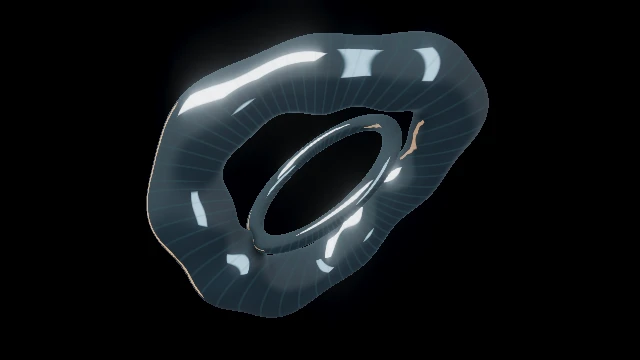
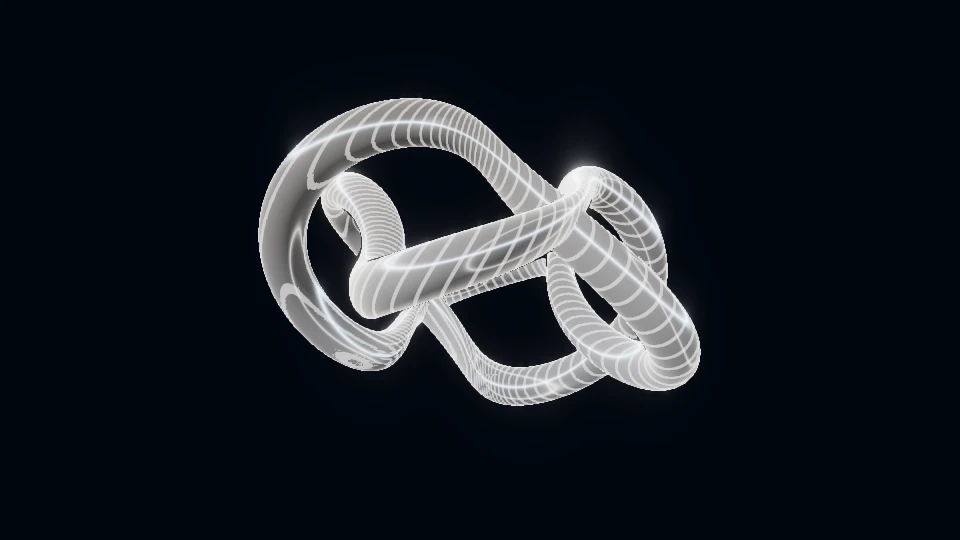
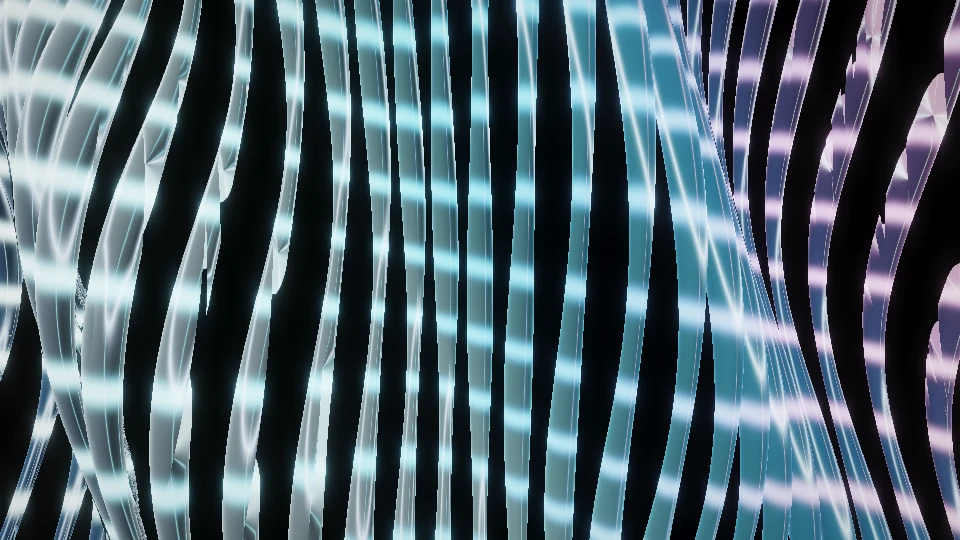
The three references use the same catalogue still to illustrate frame shape; they are crops, not separate rendered exports. Open each linked Studio format to judge the actual adapted world. A dynamic world can rearrange its geometry, so a static crop is only a planning aid.
In 16:9, ask how the empty space on the sides supports the subject. In 9:16, ask whether the top and bottom contribute to the movement. In 1:1, ask whether the form remains balanced without relying on either extreme. This comparison can reveal that the most useful frame differs from the one you first imagined.
Use Zoom to change apparent scale and Rotation deliberately. Avoid increasing Detail just to fill spare space. Empty regions can make the main motion more legible and provide room for a title.
Leave room for the title before adding it.
Reserve a quiet region in the composition while choosing the scene. A title over continuously changing fine detail can become difficult to read. A title over a calmer region can remain visually connected to the music without competing with the subject.
Preview the actual title at the intended output dimensions. Look at the smallest text, the brightest moment and the busiest movement behind it. A sharp large monitor view is not enough to establish readability on a small screen.
Social interfaces, captions and placement can cover parts of a video, and those interfaces can change. Check the destination you intend to use. Treat any planning margin as your own composition aid rather than a universal platform safe area.
Vertical silhouetteLiquid spire A tall lobed crown with helical passages and lateral buds.
Open live world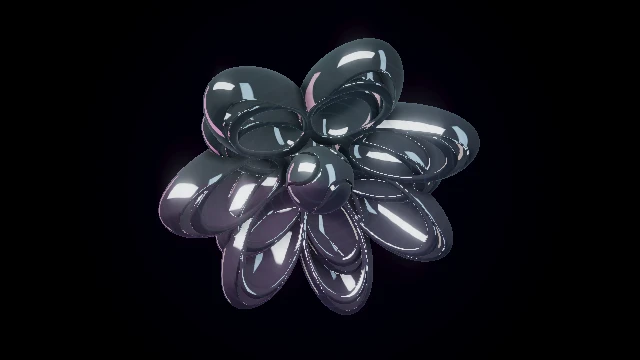 Central sculptureMirror petals
 Interleaved concave bowls to audition in square and portrait frames.
Open live world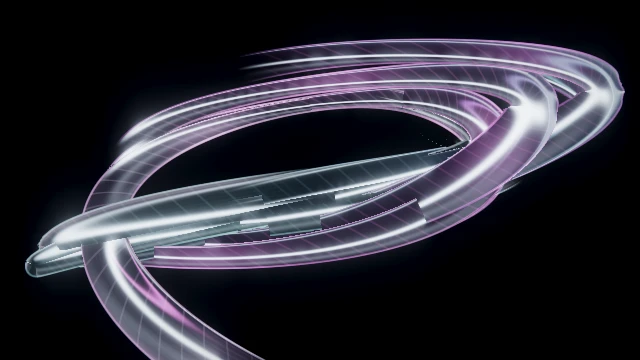 Travelling linesRibbon flight
 Braided ribbons to inspect for a clear path through the tall frame.
Open live worldReview movement at the final size.
- Set the intended ratio and dimensions before reviewing the composition.
- Watch several different moments. Make sure the useful shape stays readable as it evolves.
- Inspect text and artwork against both bright and dark passages.
- If you create a film, reopen the finished result and check its dimensions, movement and soundtrack before publishing it.
The YouTube and music-video guide explains the separate File render workflow. A frame shown in Studio is a composition preview; the finished file still needs its own review. Codec support and practical output size depend on the browser and device.
A vertical composition succeeds when its shape, motion and title belong together. Build that relationship in the tall frame from the start, and use the landscape or square versions as deliberate alternatives.
TRY THE IDEA
Rehearse the portrait composition.
Opening the exercise starts no audio, selects no file and grants no input permissions. Review the picture with your intended sound and frame.
Rehearse the portrait composition