The scan, the map, and the session have different jobs.
| Save action | What it keeps | What it does not keep |
|---|---|---|
| Save scan | The locally parsed structural room geometry and parent relationships | Your selection, wall-alignment draft, applied 2D map, show or media |
| Save map | The mapping state:surfaces, corners, masks, crops, visual sources and surface FX | The complete canvas/show setup, the original 3D scan or media bytes |
| Save full session | The broader Studio configuration, including its applied map and canvas | The original 3D room scan, audio/video bytes, browser input permissions or tab Undo history |
Choose a record by the job it must support. To select different openings from the scanned room next time, keep the scan. To restore calibrated 2D surfaces into the existing Studio canvas, keep the map. To reopen the wider visual setup, keep a full session as well as the original media it references. The files are related, but one name ending in JSON is not evidence that it contains everything from the others.
The browser scan workflow keeps its 3D room reference in the current tab unless you explicitly save it. Save scan exports structural geometry; it does not turn the current alignment draft into a portable projector calibration. A full Studio session stores the derived map after you apply it, but does not package that original 3D scan for another round of room selection. These boundaries are useful to know before closing a setup tab.
Keep a recoverable copy before editing a working setup.
Before applying room-derived surfaces to an established show, save the current full session or map according to the state you need to recover. In the scan draft, check whether you are appending to the current map or replacing it. Apply is one Mapping Undo transaction, so the earlier map can be restored in that tab. That recovery is different from reopening a saved file after the tab has closed or a session has been loaded.
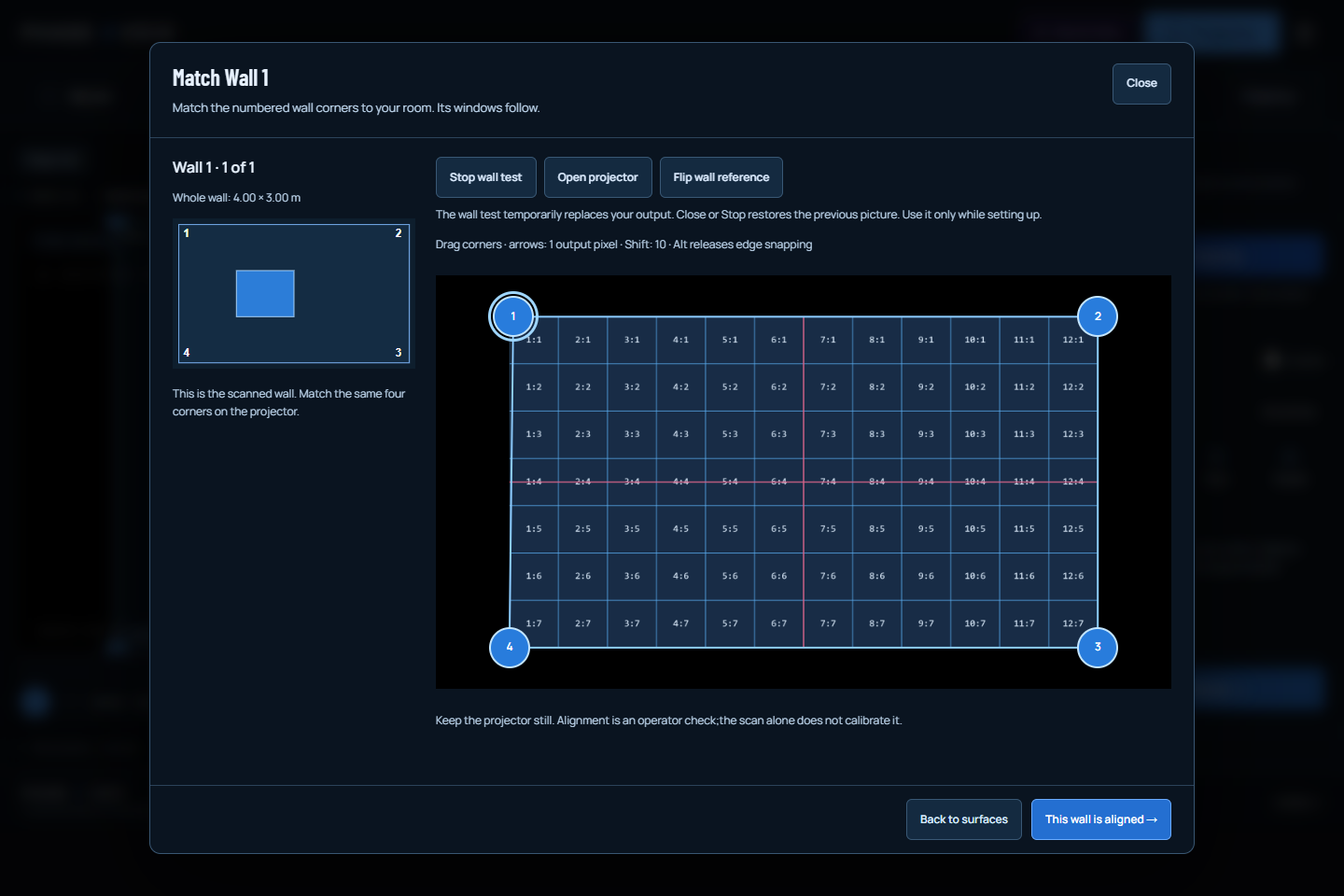
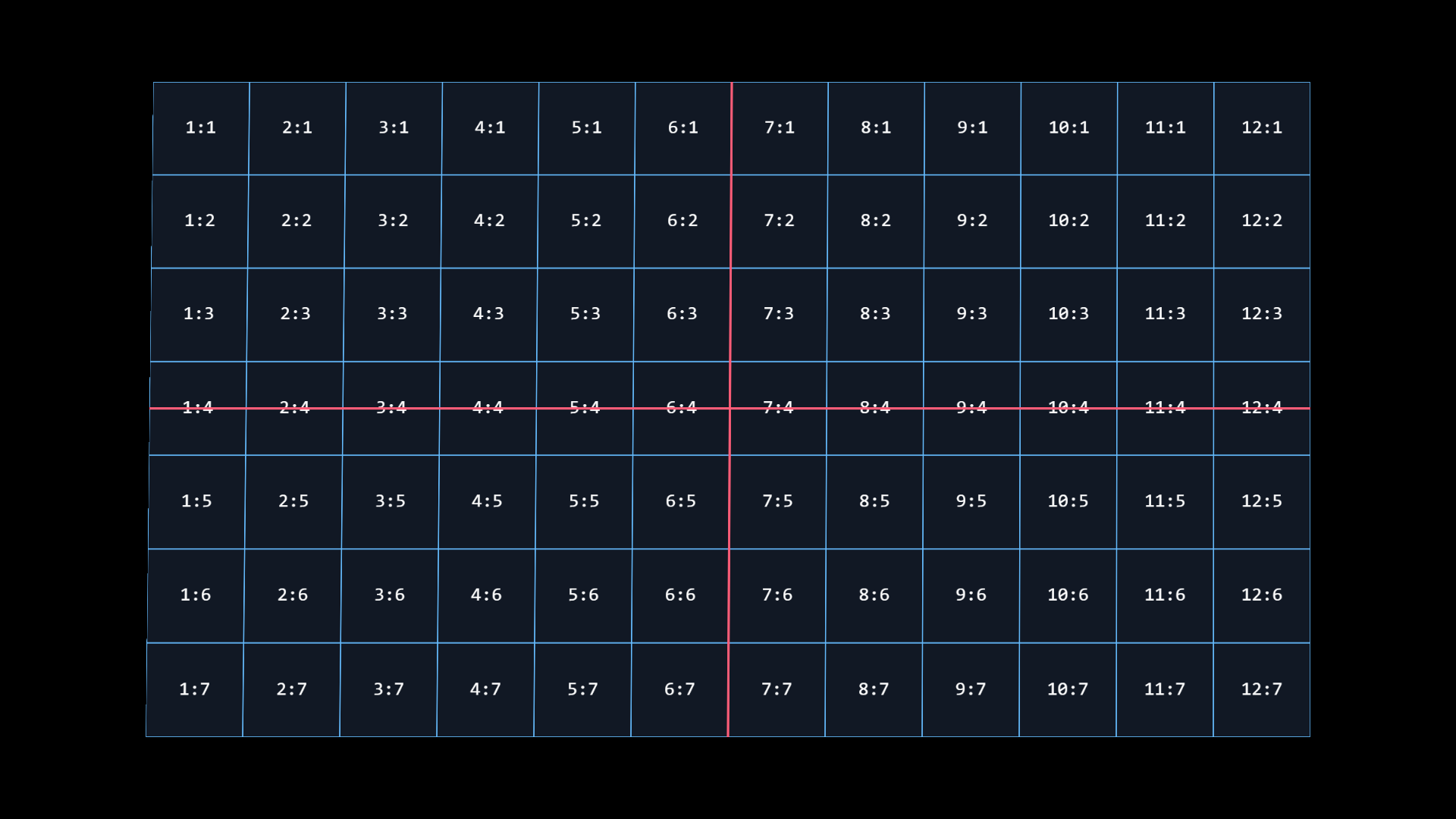
The wall test is deliberately temporary. Show wall test changes the output while you align; Stop or Close restores the previous output without applying the draft surfaces. A screenshot of the numbered grid is a record of that test image, not a room file. If you abandon the alignment, keep the original scan when you intend to start again later. If you apply it, inspect the actual surface list and save the derived result.
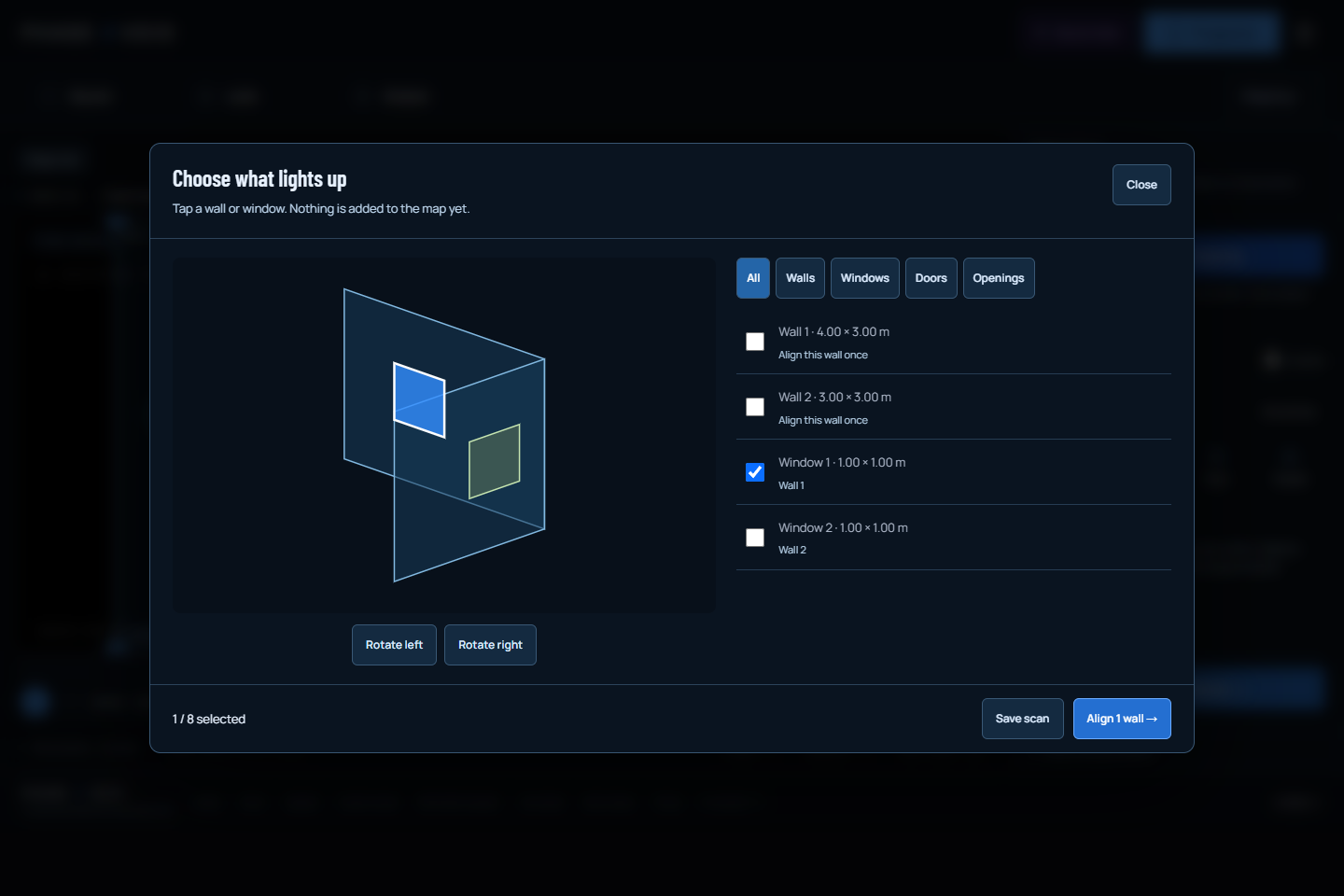
Use the existing room-scan guide to repeat the current import, selection and review procedure. The show-saving explanation covers the broader distinction between settings and local media. These instructions complement each other:a recovered map can be correct while a referenced video clip still needs its original file to be reattached.
Reopen the right file, then check the real setup.
- To work from room geometry again, open the saved scan through Mapping → Room → Open room scan. Choose surfaces and align their parent walls deliberately.
- To restore only the 2D map, use Import map in Mapping. Check the current canvas, selected source and final surface picture. A map file does not restore the entire output configuration.
- To restore the broader configuration, use the header menu’s session import and review its effects before applying. Reattach the required original music/video files through the existing recovery workflow.
- Check the actual projector position, output frame and physical alignment before performing. Moving equipment or changing the aspect can invalidate a previously useful placement.
Do not turn a software readback into a hardware claim. A successful JSON import establishes that the supported settings were accepted. A browser receipt or a correct thumbnail does not establish that the wall has not moved relative to the projector, that a new display arrangement is right, or that a music source is connected. Rehearse the changed parts of the setup and keep playback and live-input permissions under explicit operator control.
Keep the scan file private when it describes a real room. This workflow parses it on the device and has no room-scan upload endpoint. Explicit file sharing is a separate operator decision. Native iPhone capture remains gated by a signed build and real-device validation; opening a scan in the website is the available browser path. If your result lights too much of the room, revisit selection and existing surfaces before assuming that the saved file was corrupt.
TRY THE IDEA
Open Mapping with my setup kept.
Opening this task starts no audio, selects no file and grants no input permissions. Review the controls before changing the show.
Open Mapping with my setup kept